How do I add an extra port to my server?
To add an extra port to the server, a port must first be open; you can do this by following these steps.
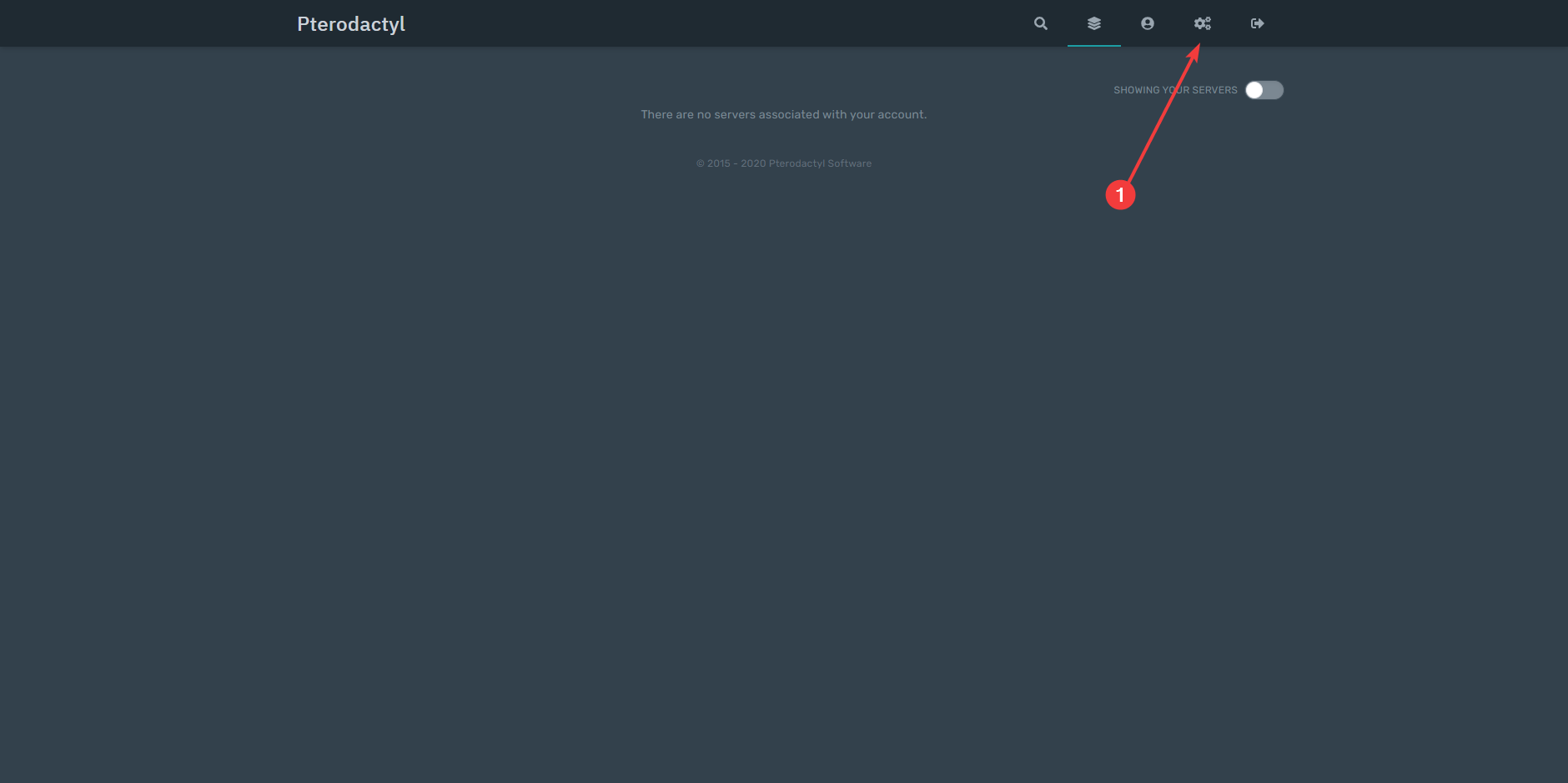
- Go to your Pterodactyl panel, which you received in your mailbox, and click the gear icon in the top right.
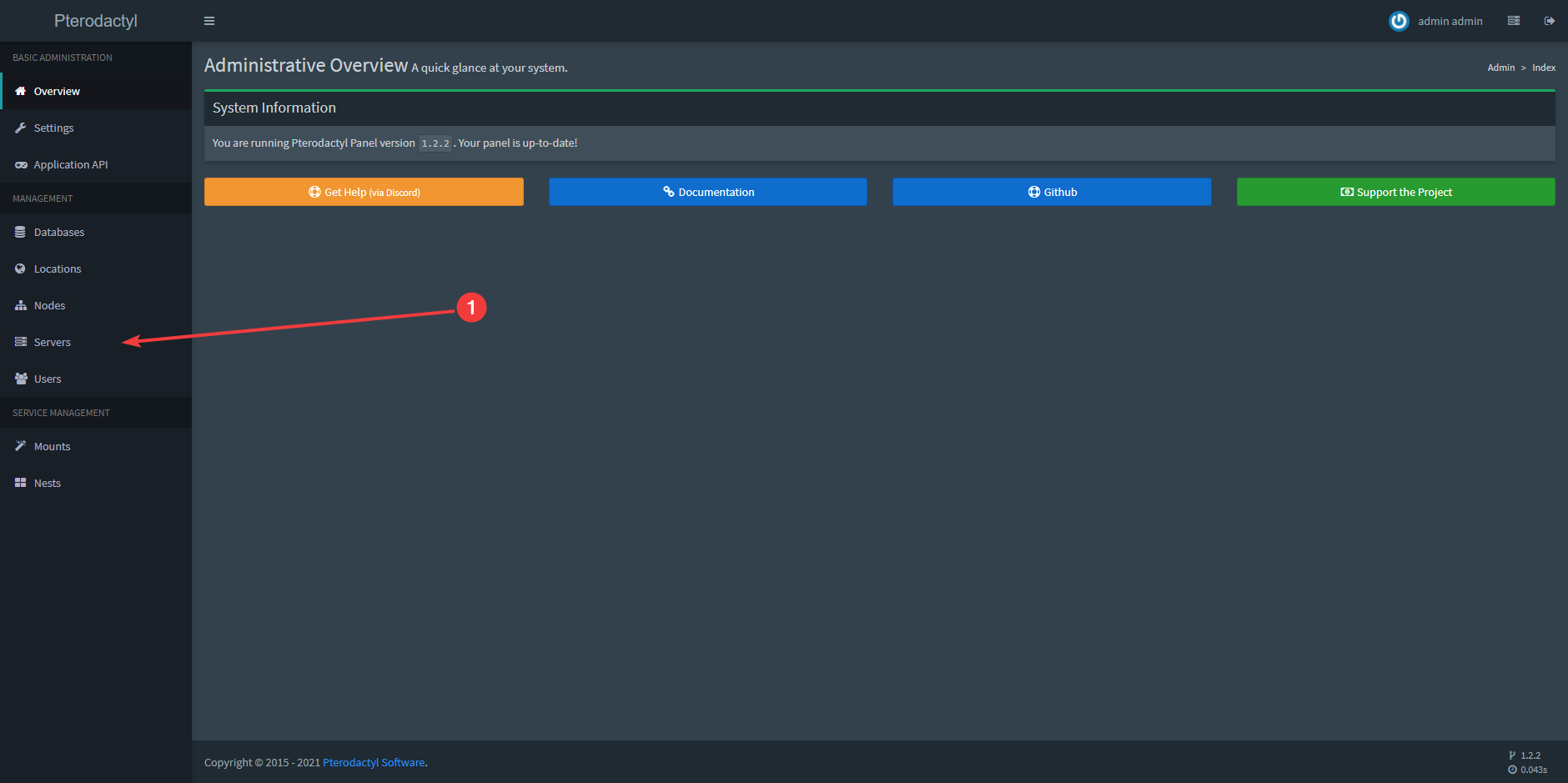
- Click "Servers".
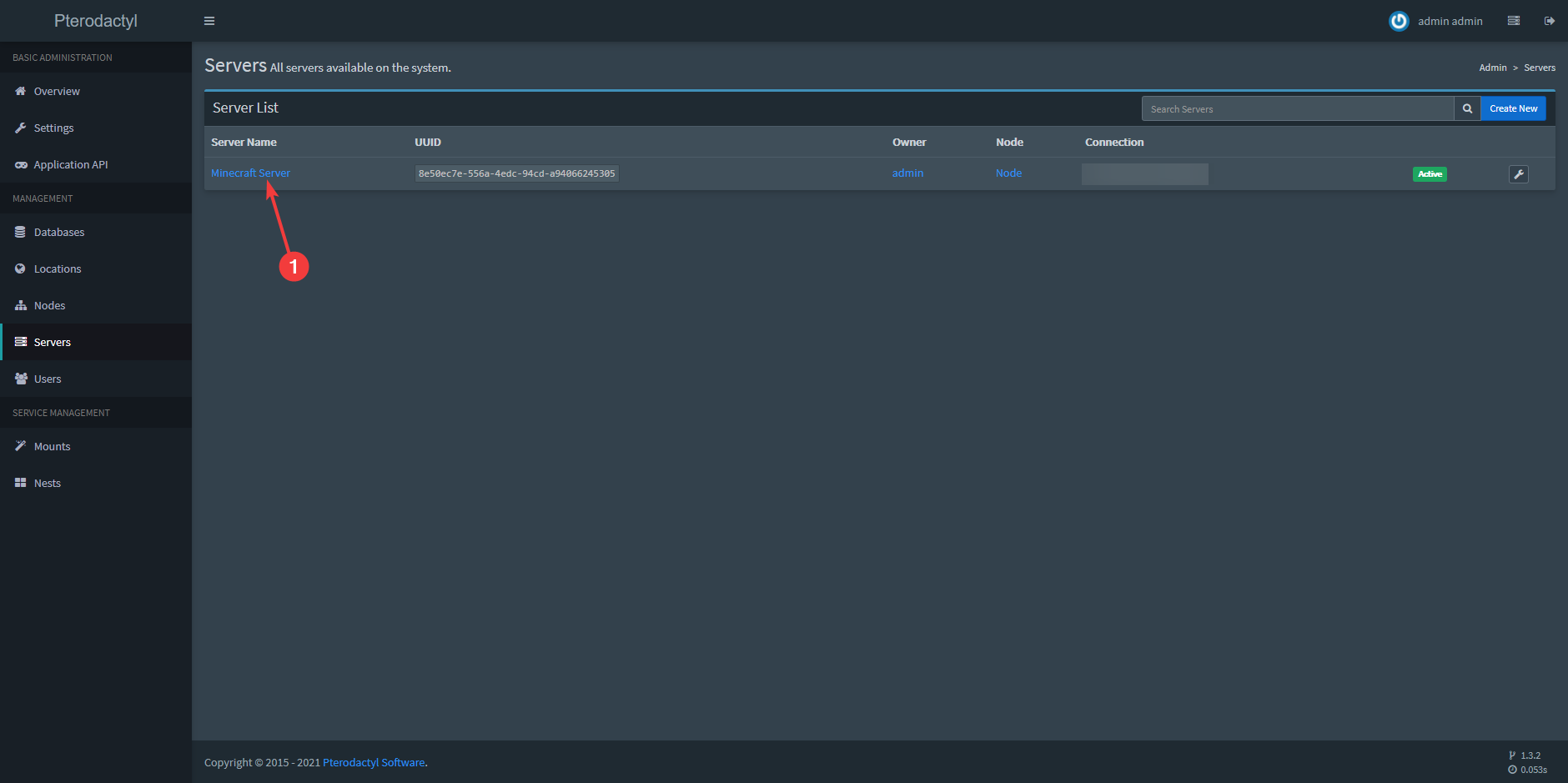
- Click the server the port should be added to.
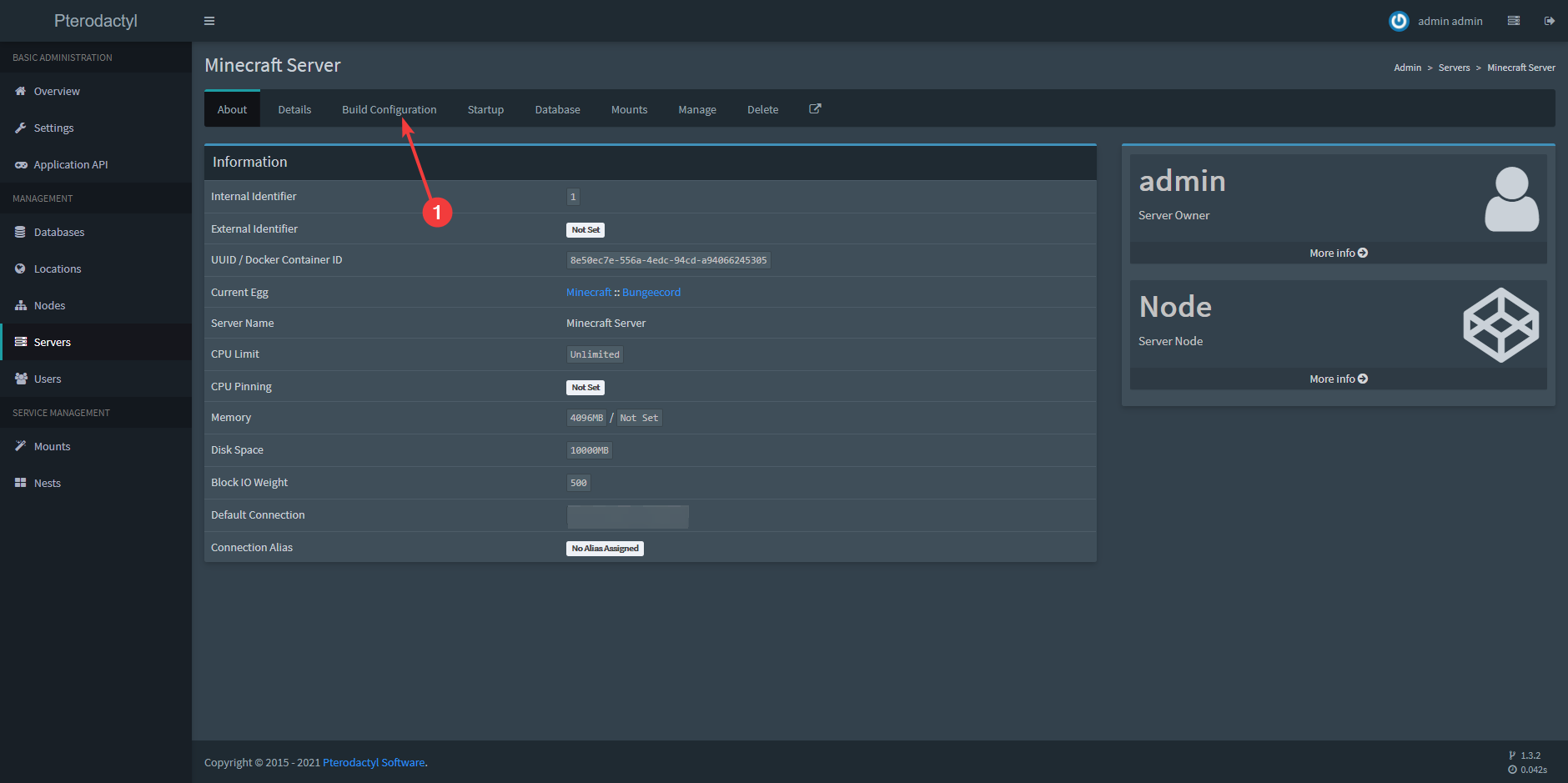
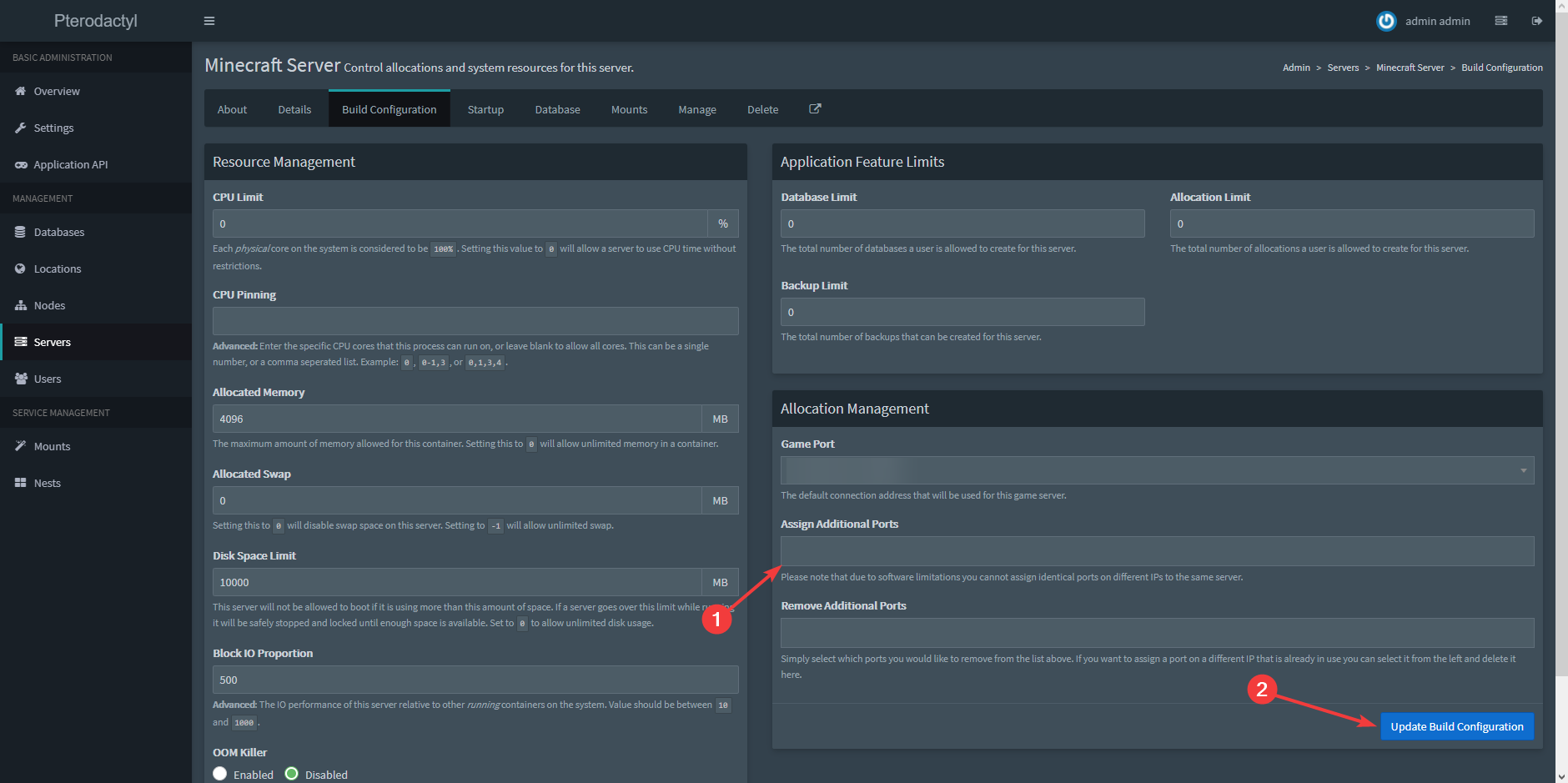
- Click "Build Configuration"
- Click the field under "Assign Additional Ports", choose a port and then click "Update Build Configuration".
Ready to try it yourself?
View packages →Launch your server in 60 seconds on our own hardware.
Stuck? Our team is happy to help.Open a ticket →
More in this category
How do I add a user?Create a new user in your Pterodactyl panel: open "Users", click "Create New", fill in the fields and click "Create UserHow do I add a user?Create a new user in your Pterodactyl panel: open "Users", click "Create New", fill in the fields and click "Create UserHow do I connect via SFTP with WinSCP or FileZilla?Connect to your MC-Node game server via SFTP: find your SFTP details in the panel and set up WinSCP or FileZilla to uploHow do I create a database for my server?Open your Pterodactyl panel, raise the Database Limit in the Build Configuration, then go to "Databases" on your server