How do I create and manage a database?
This knowledge base article consists of three parts. First we will create a database, then we will configure it properly, and finally I will show you how to edit it.
- Log in to the web hosting panel.
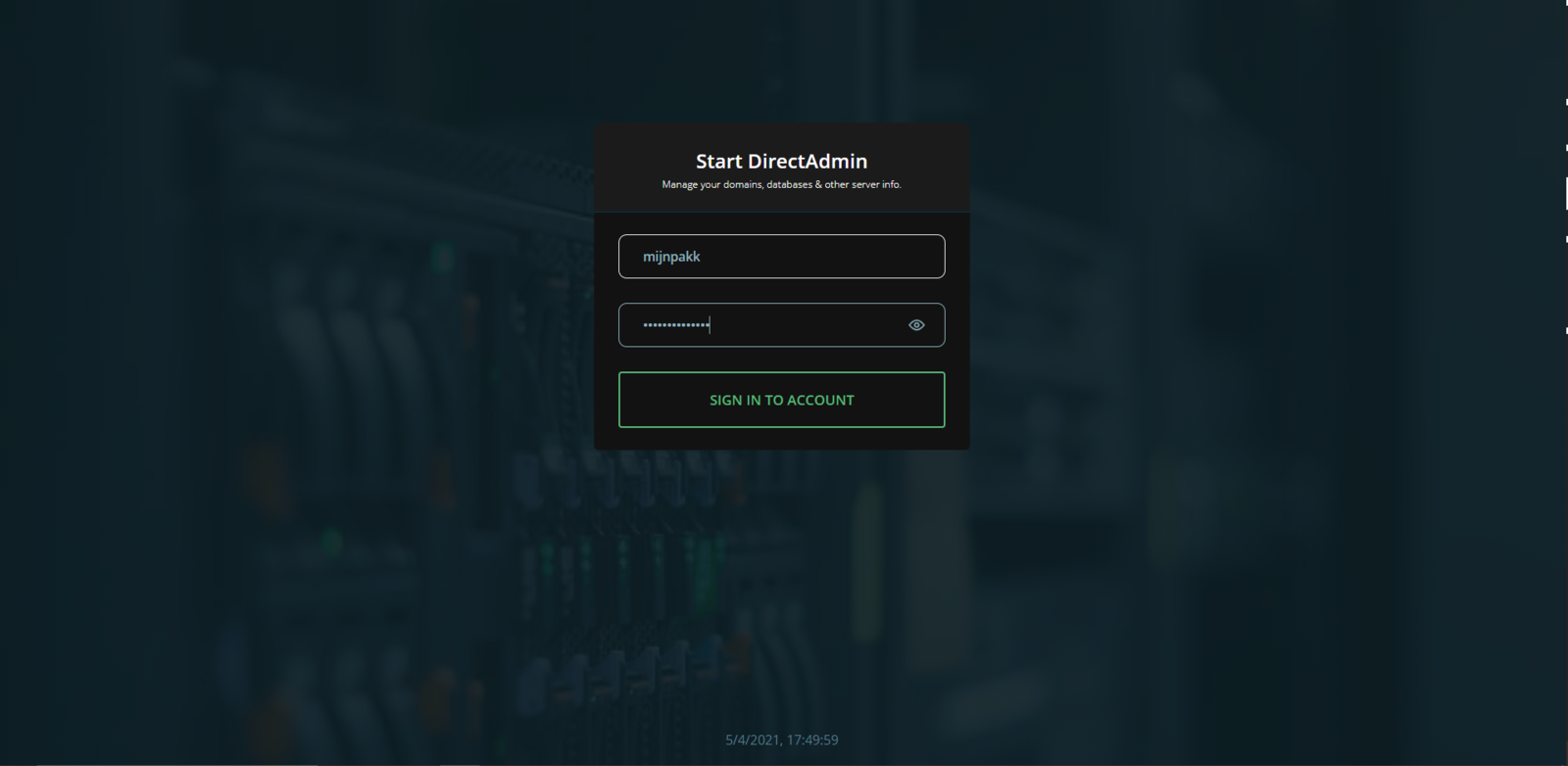
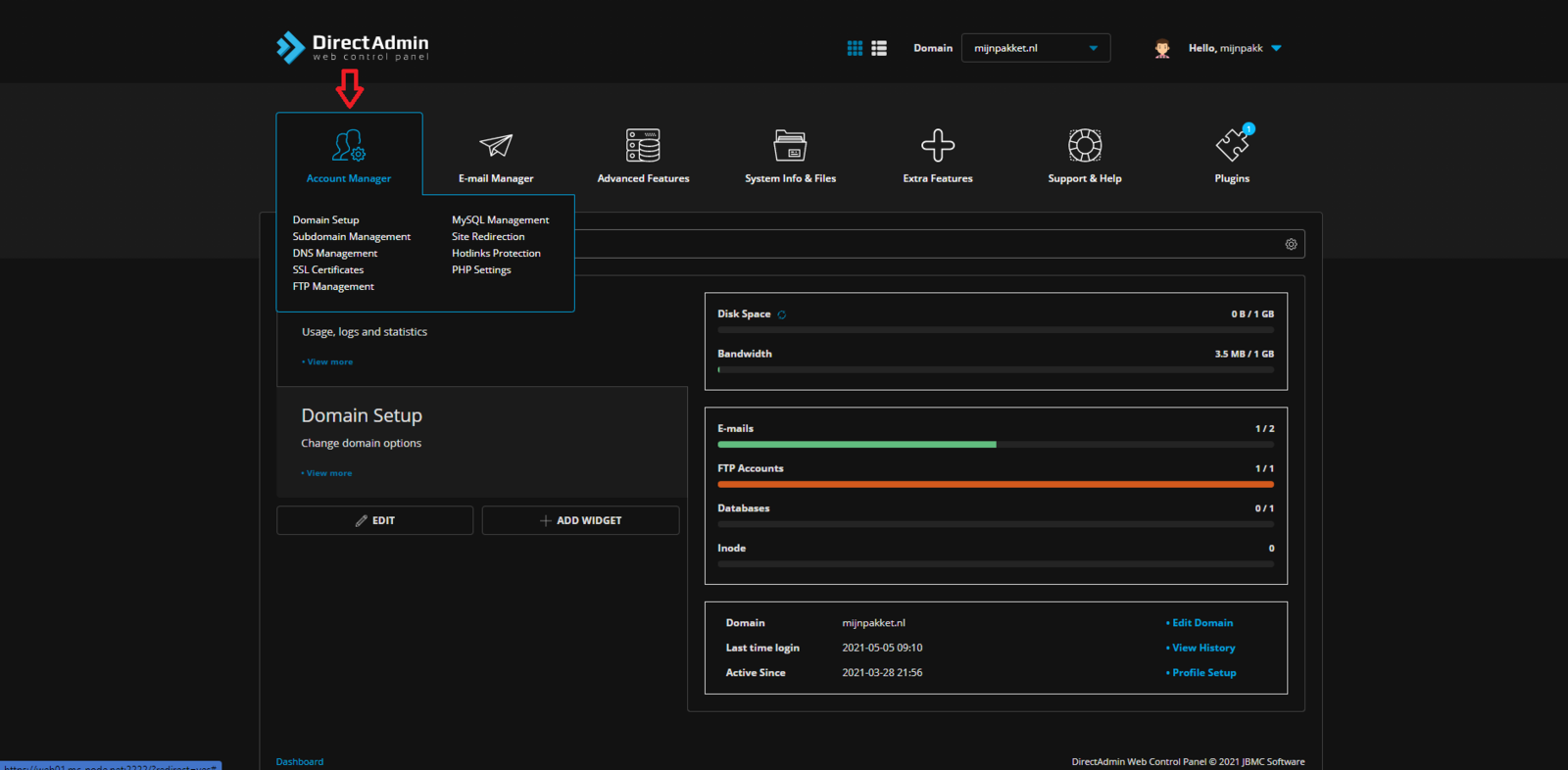
- Hover your mouse over Account Management
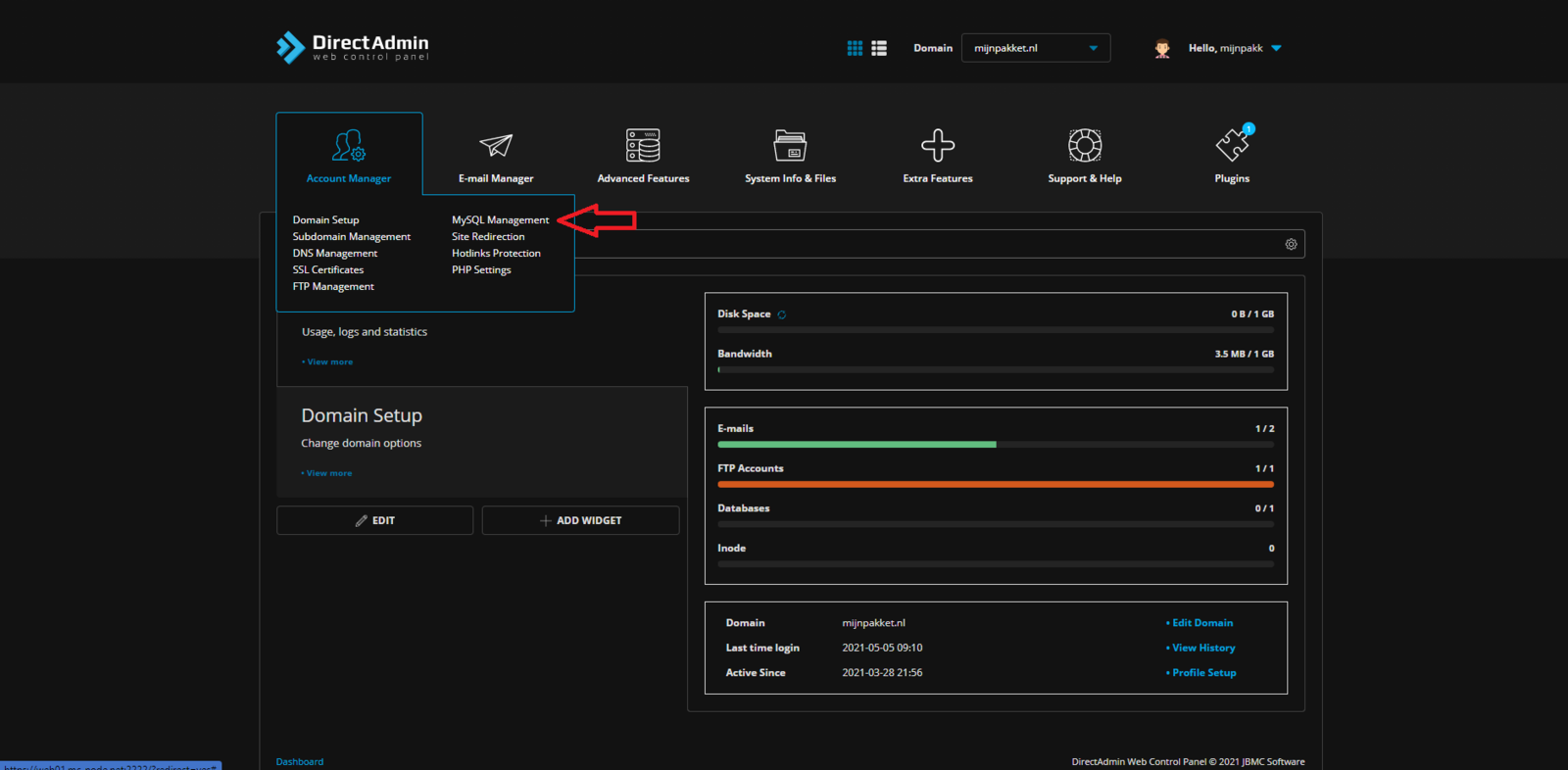
- Then click MySQL Management.
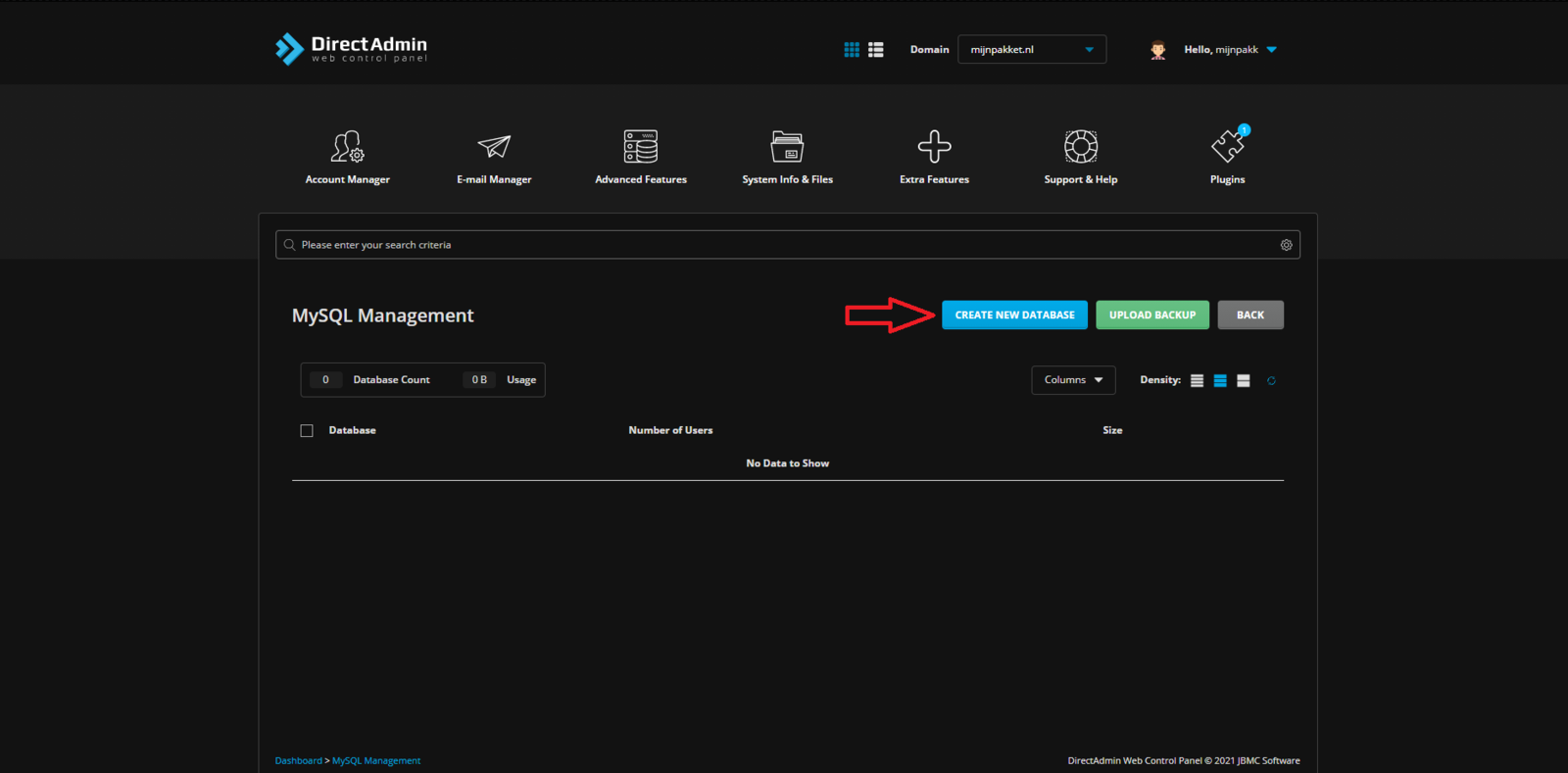
- Click CREATE NEW DATABASE.
- Enter a name for your database and come up with a strong password.
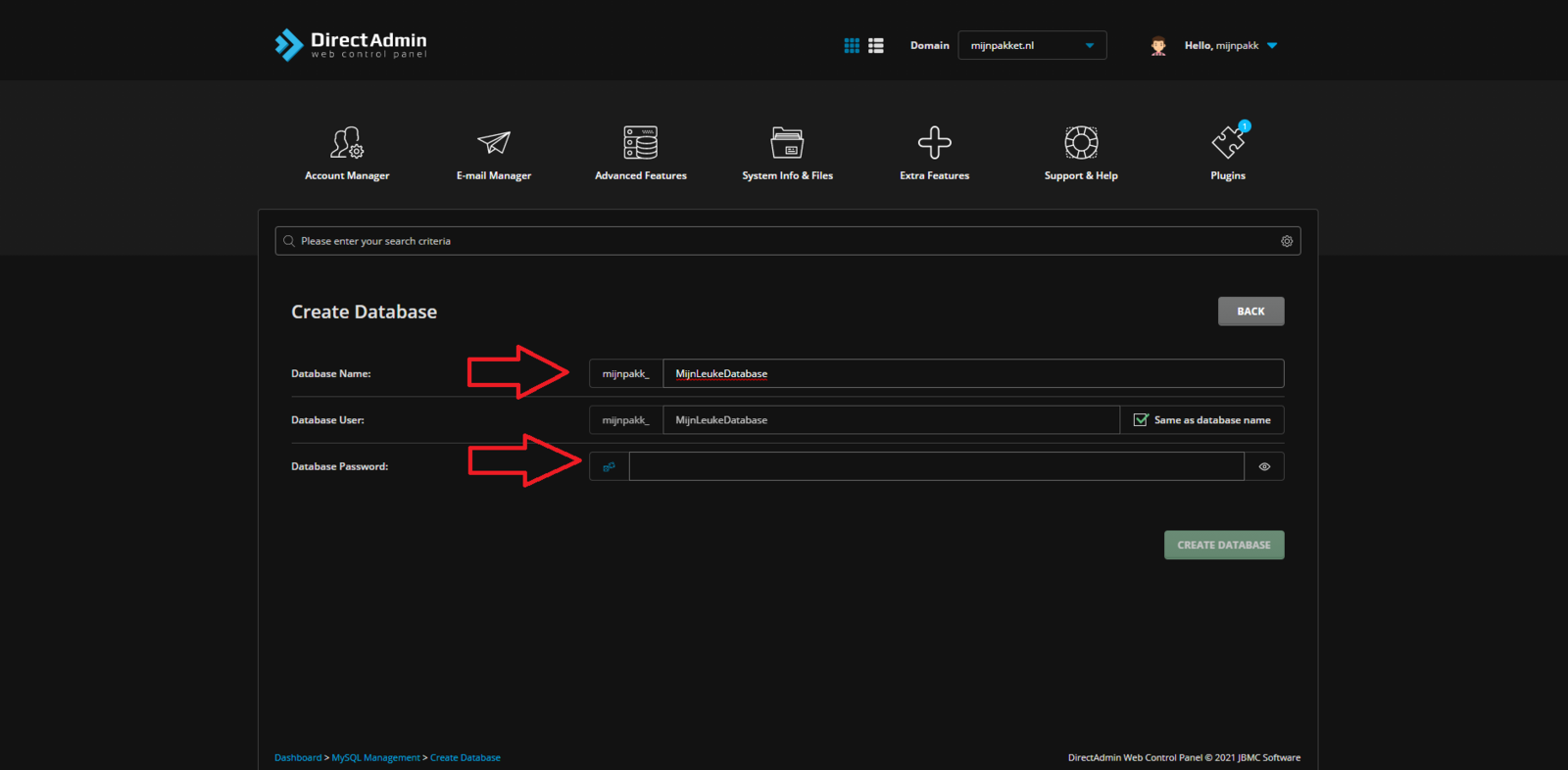
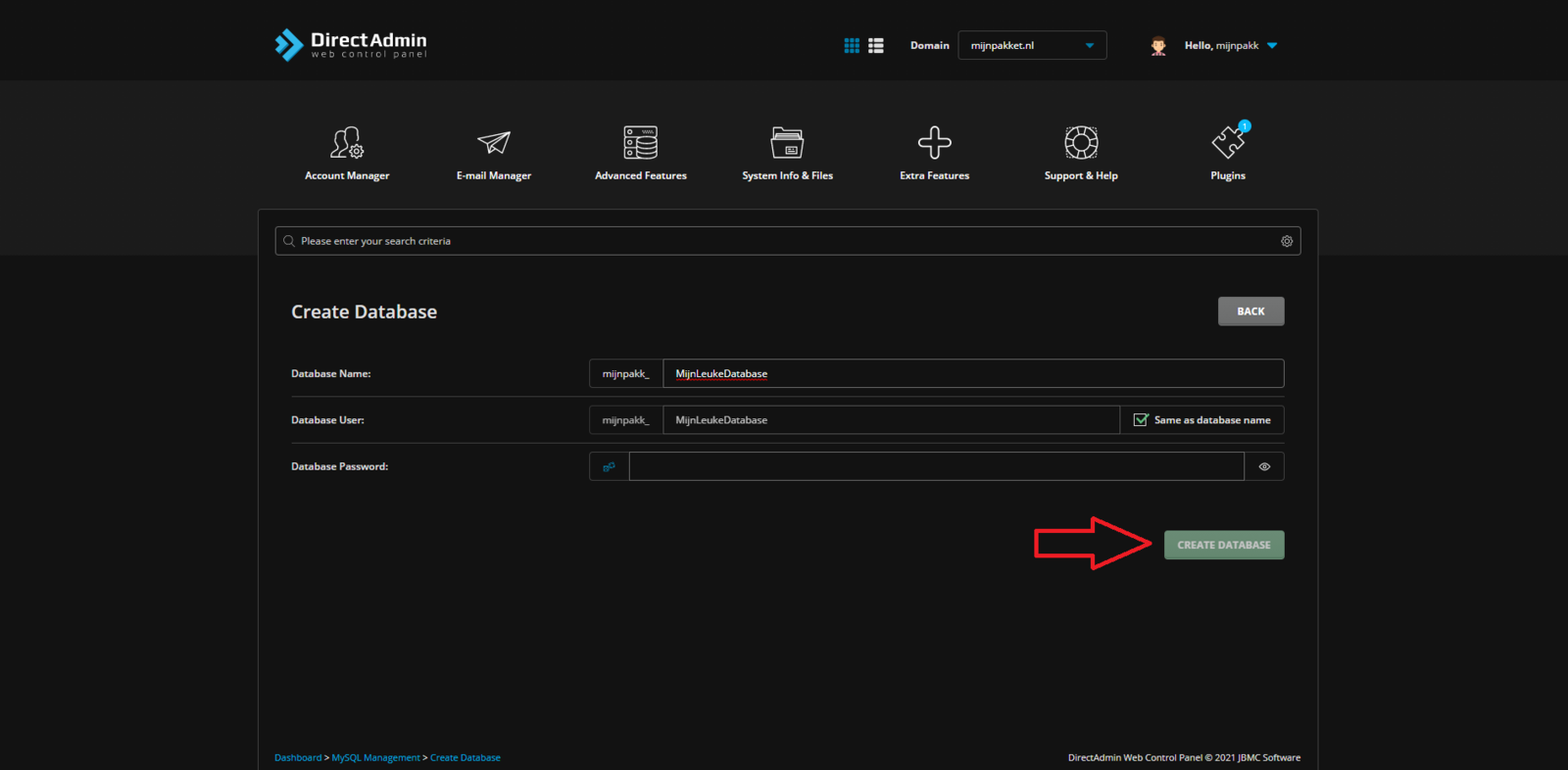
- Click Create Database
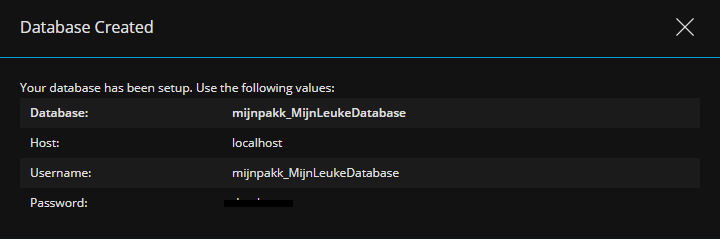
- Save the details you now see in a safe place.
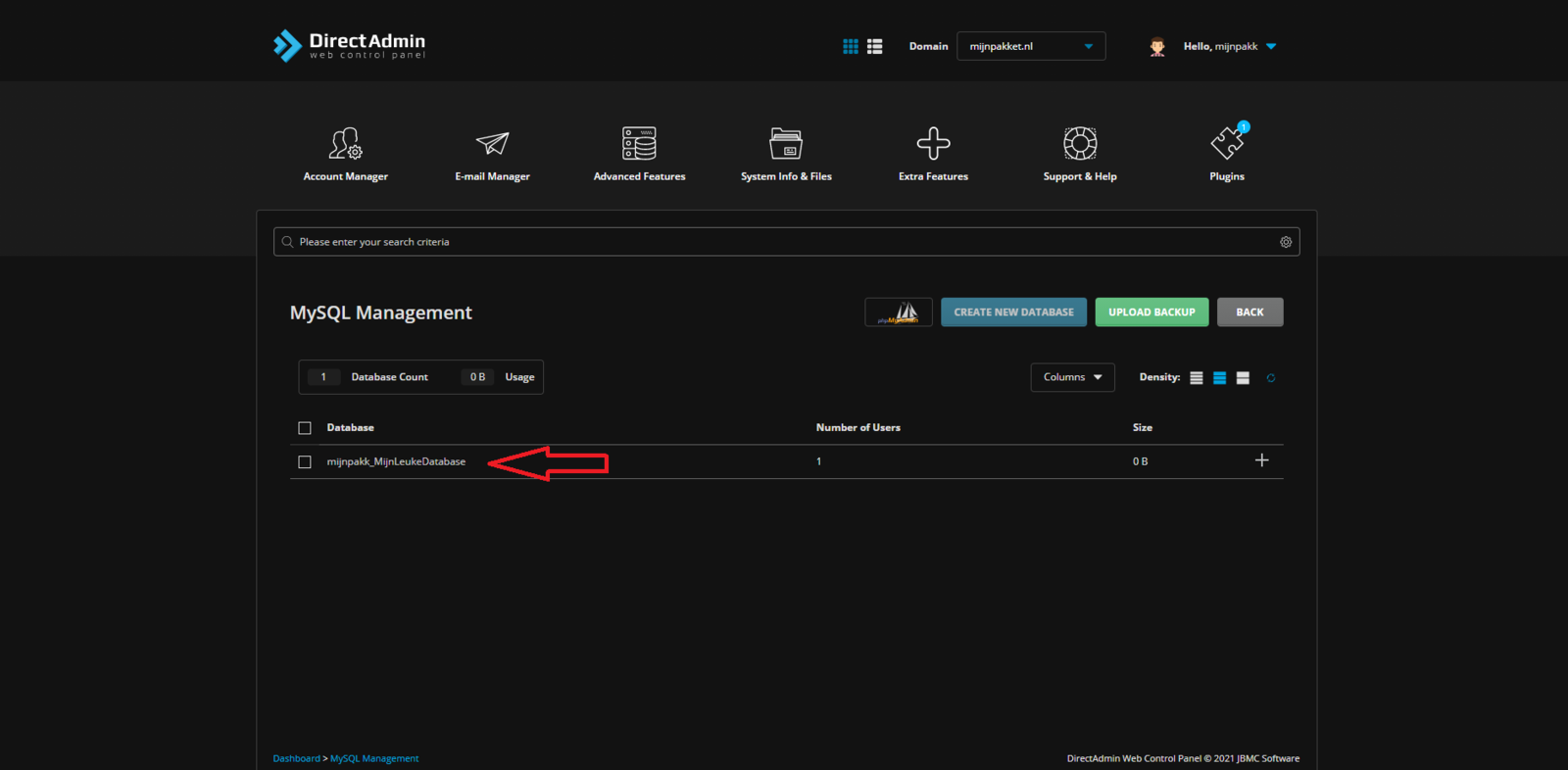
- Click the database you just created.
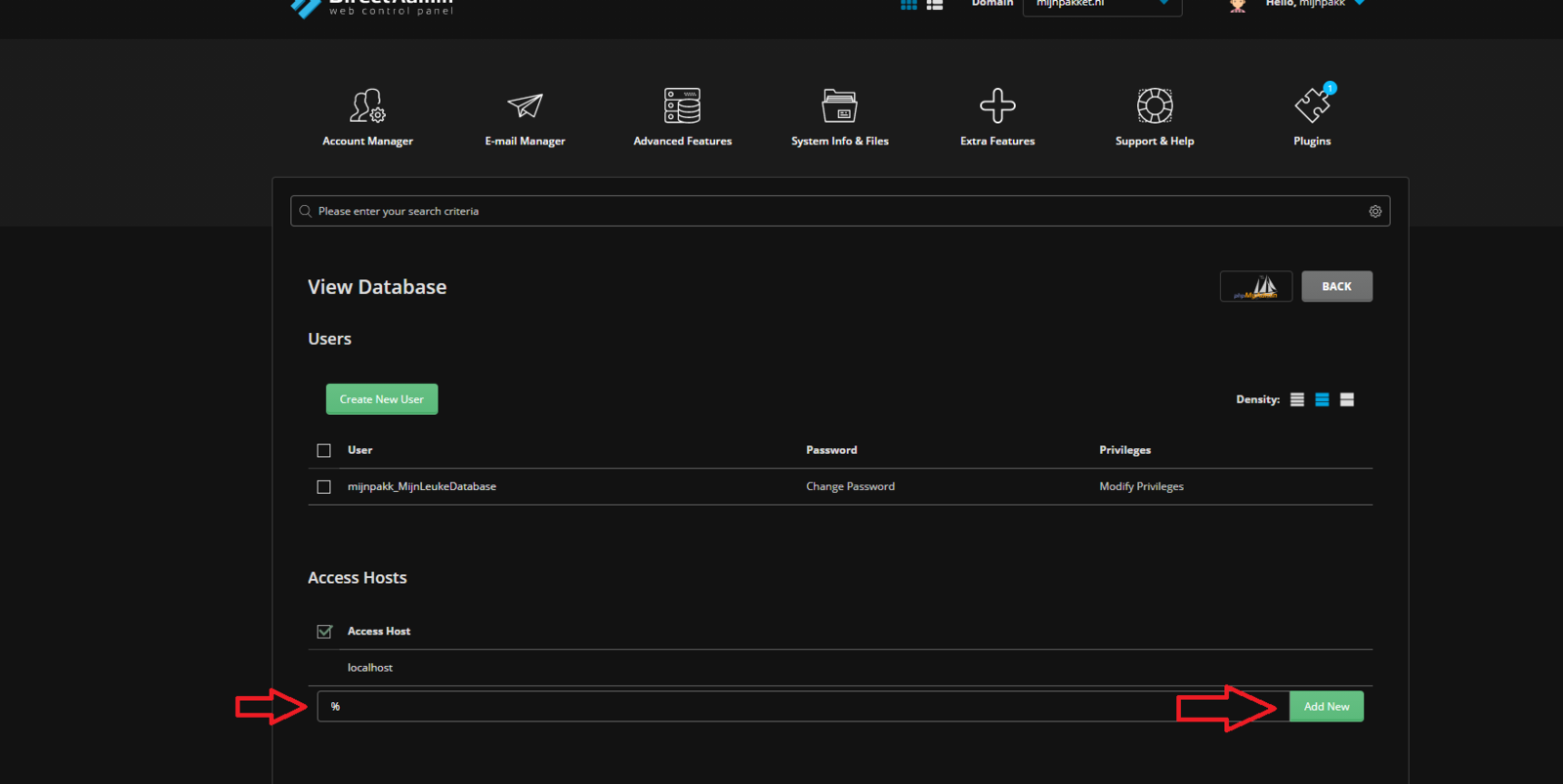
- Then enter % at Access Host (this allows you to connect to your database from anywhere), and click Add New.
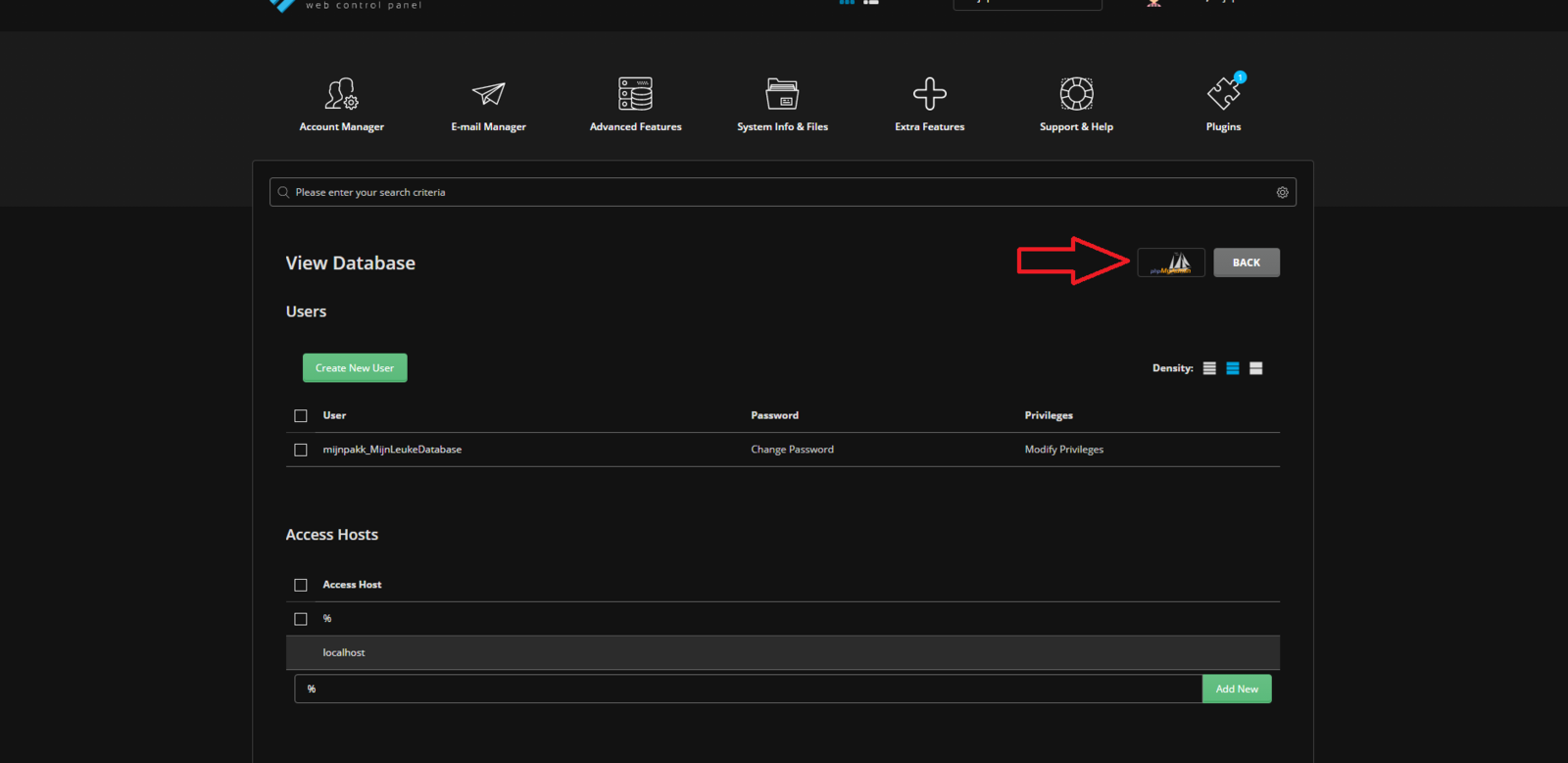
- Click the phpMyAdmin logo; you will automatically be logged in to the built-in database editor.
- Here you can edit everything in your database.
Ready to try it yourself?
View packages →Launch your server in 60 seconds on our own hardware.
Stuck? Our team is happy to help.Open a ticket →
More in this category
How do I access my webmail?Log in to the webhosting panel (DirectAdmin), hover over "Extra Features", click "Webmail: Roundcube" and sign in with yHow do I change my PHP version?Go to DirectAdmin and log in. Hover over the 4 dots, click "Account Manager" and go to "Domain Setup". Click your domainHow do I check my website's resource usage?Log in to your web hosting panel. There you can see the resource usage of your web hosting.How do I connect via SFTP?How do I connect via SFTP to my DirectAdmin web hosting?