Comment me donner des permissions ?
- Connectez-vous au Panel et cliquez sur votre serveur.
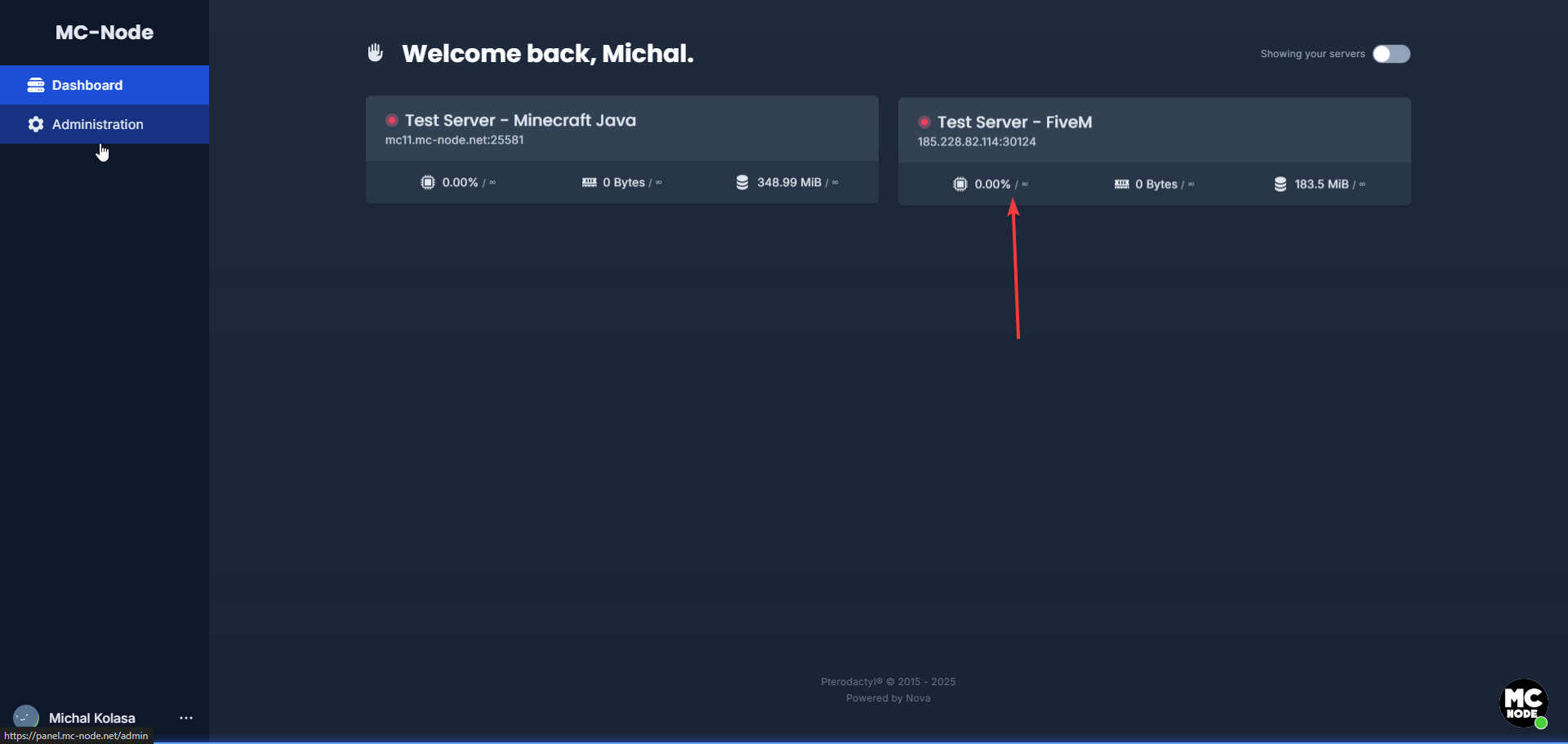
- Allez dans la section « Files ».
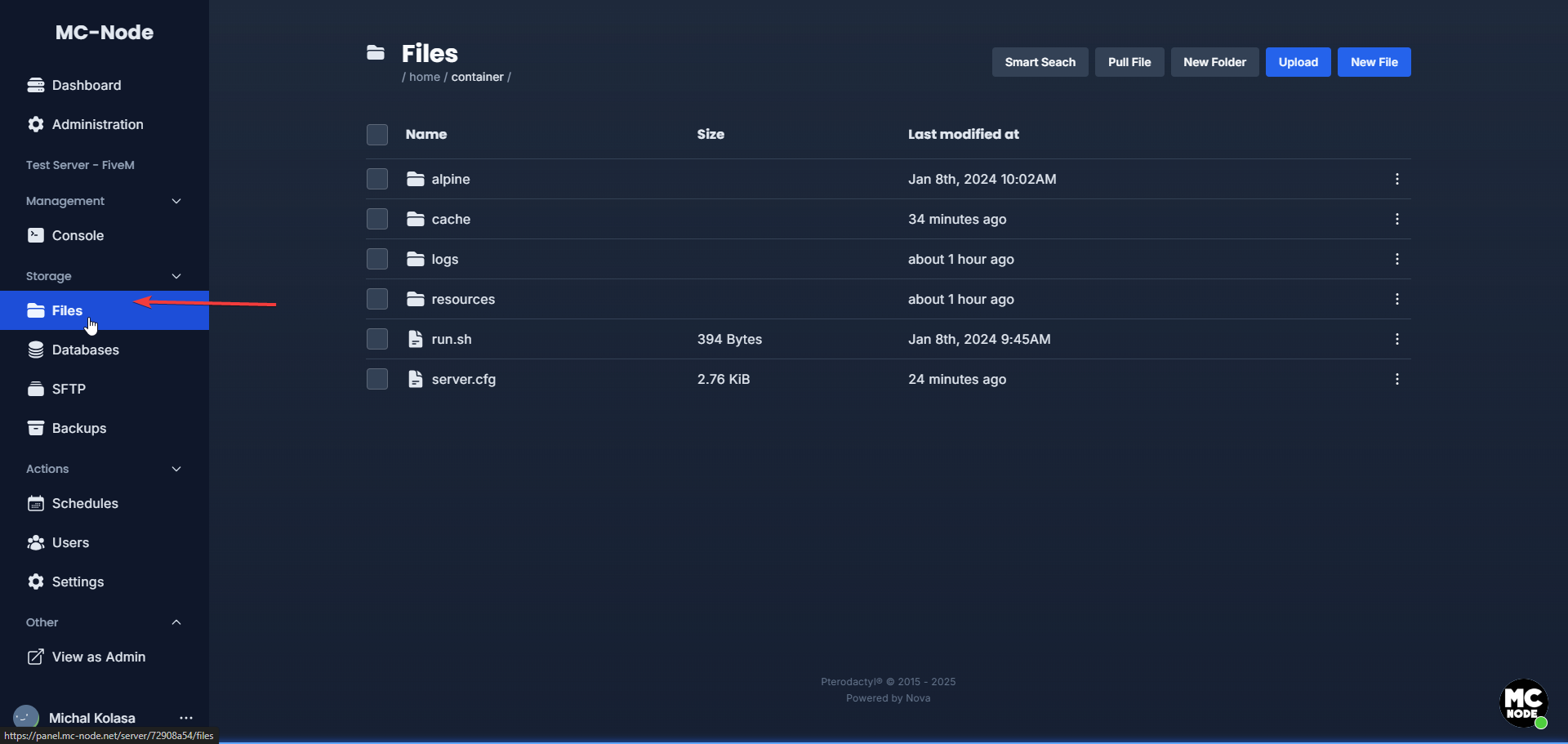
- Cliquez sur le fichier server.cfg
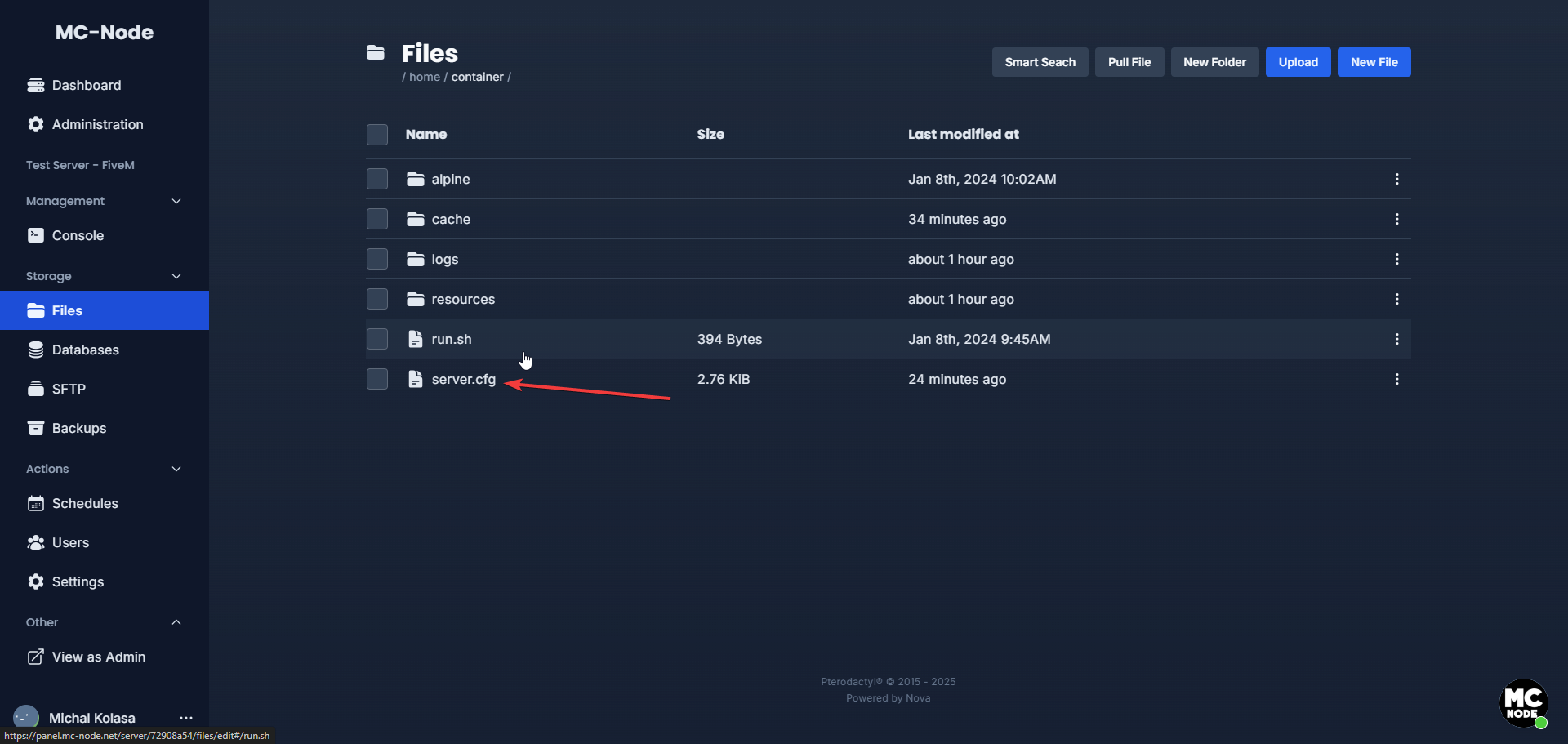
- Ajoutez tout en bas :
add_ace group.admin command allow # Geeft toegang tot alle commands
add_principal identifier.fivem:1 group.admin # Voeg iemand toe aan de groep
add_principal identifier.discord:1 group.admin # Voeg iemand toe aan de groep
add_principal identifier.steam:1 group.admin # Voeg iemand toe aan de groep
Exemple :
add_ace group.admin command allow # Geeft toegang tot alle commandsadd_principal identifier.discord:510133651343741142 group.admin # Voeg iemand toe aan de groep add_principal identifier.steam:110010141318546 group.admin # Voeg iemand toe aan de groep
Envie d'essayer ?
Voir les offres →Lancez votre serveur en 60 secondes sur notre propre matériel.
Bloqué ? Notre équipe est là pour vous aider.Ouvrir un ticket →
Plus dans cette catégorie
Comment activer OneSync ?Activez OneSync sur votre serveur FiveM : ajoutez la ligne set onesync on dans server.cfg et redémarrez. Avec txAdmin, rComment activer OneSync Infinity ?Activez OneSync Infinity sur votre serveur FiveM en ajoutant set onesync_enableInfinity 1 dans server.cfg via le panel, Comment activer txAdmin sur mon serveur FiveM ?Active txAdmin sur ton serveur FiveM : TXADMIN sur 1, redémarrage et connexion sur http://ip:port (le port est attribué Comment ajouter des voitures addon à votre serveur FiveM ?Découvrez comment ajouter des voitures addon à votre serveur FiveM : upload des véhicules custom via SFTP, activation da