How do I change my operating system?
Changing the operating system on an OpenVZ VPS:
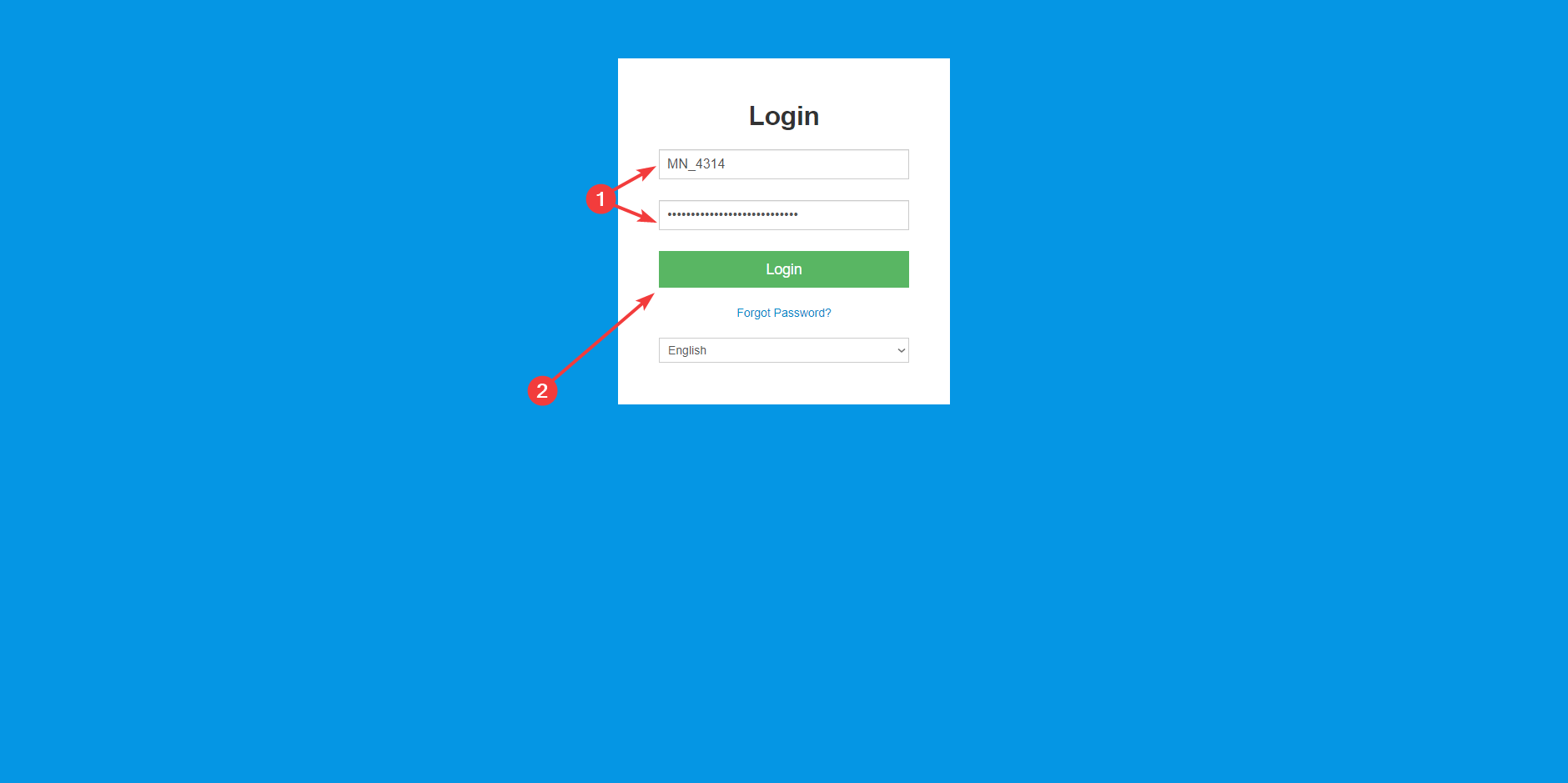
- Go to the VPS Panel and log in with the details that were delivered to your mailbox.
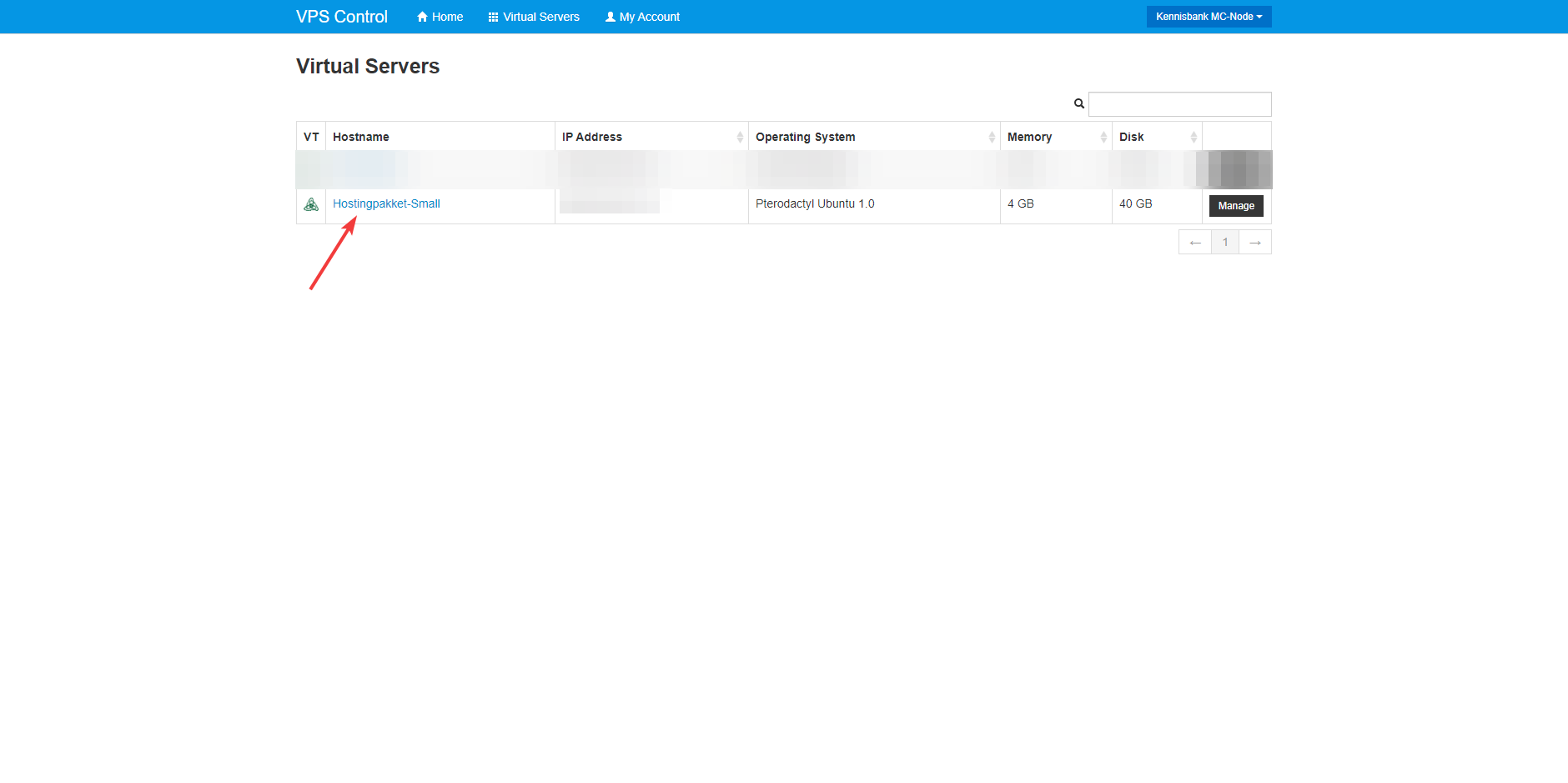
- Click on the VPS whose operating system you want to change.
- Click on "Reinstall".
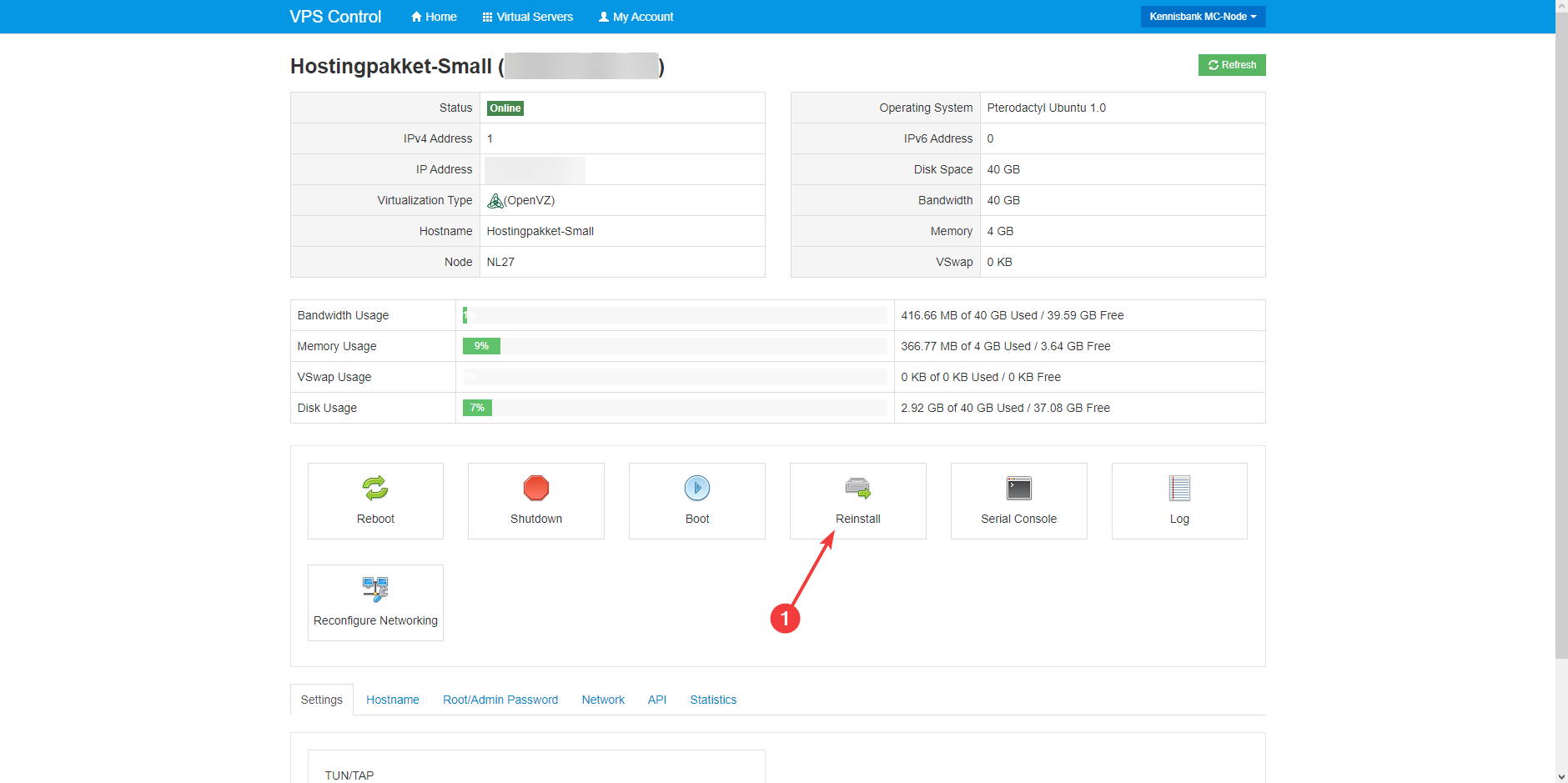
- Choose an operating system and click on "Reinstall".

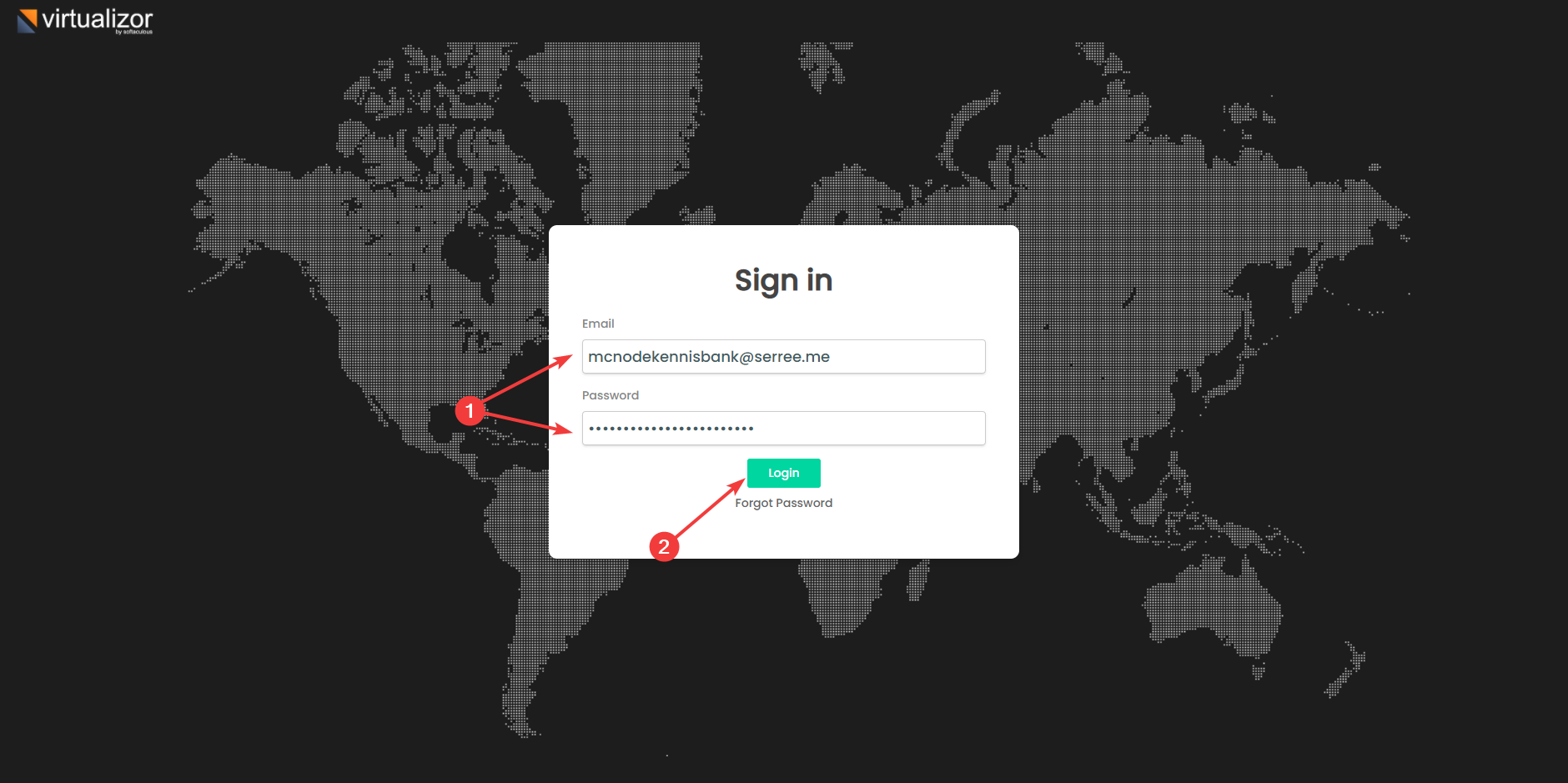
- Go to the Virtualizor Panel and log in with the details that were delivered to your mailbox.
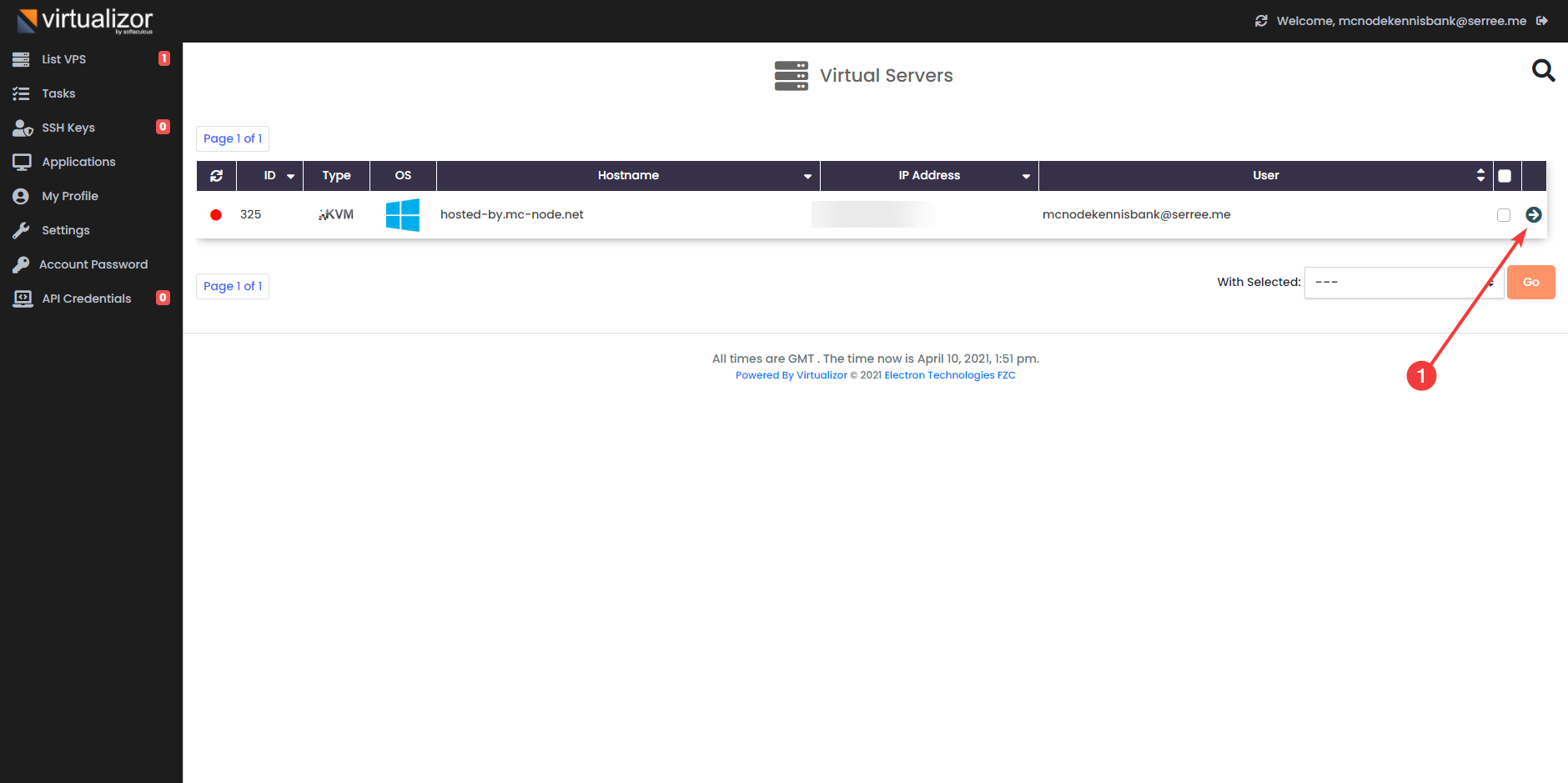
- Click on the KVM VPS whose operating system you want to change.
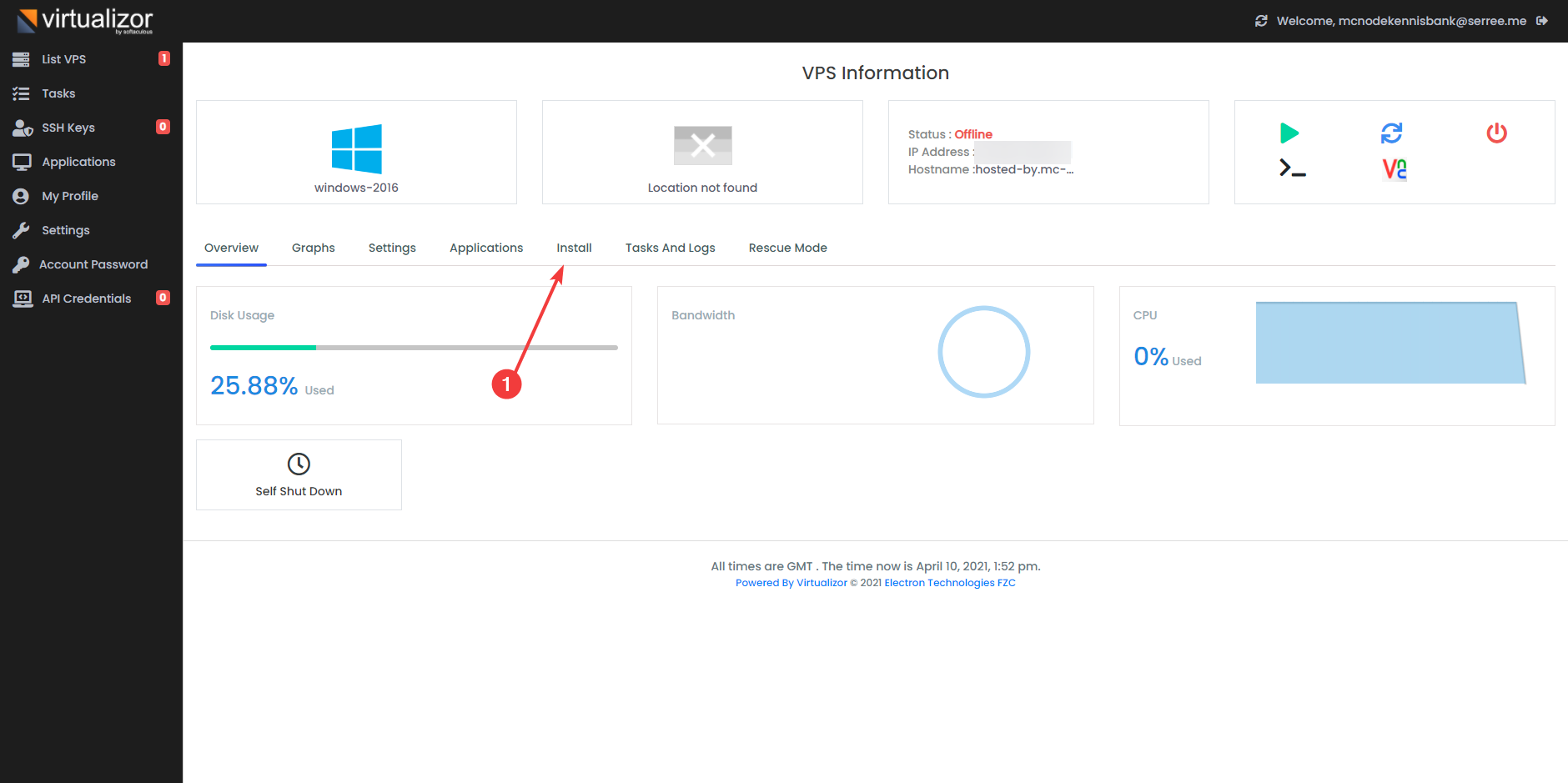
- Click on "Install".
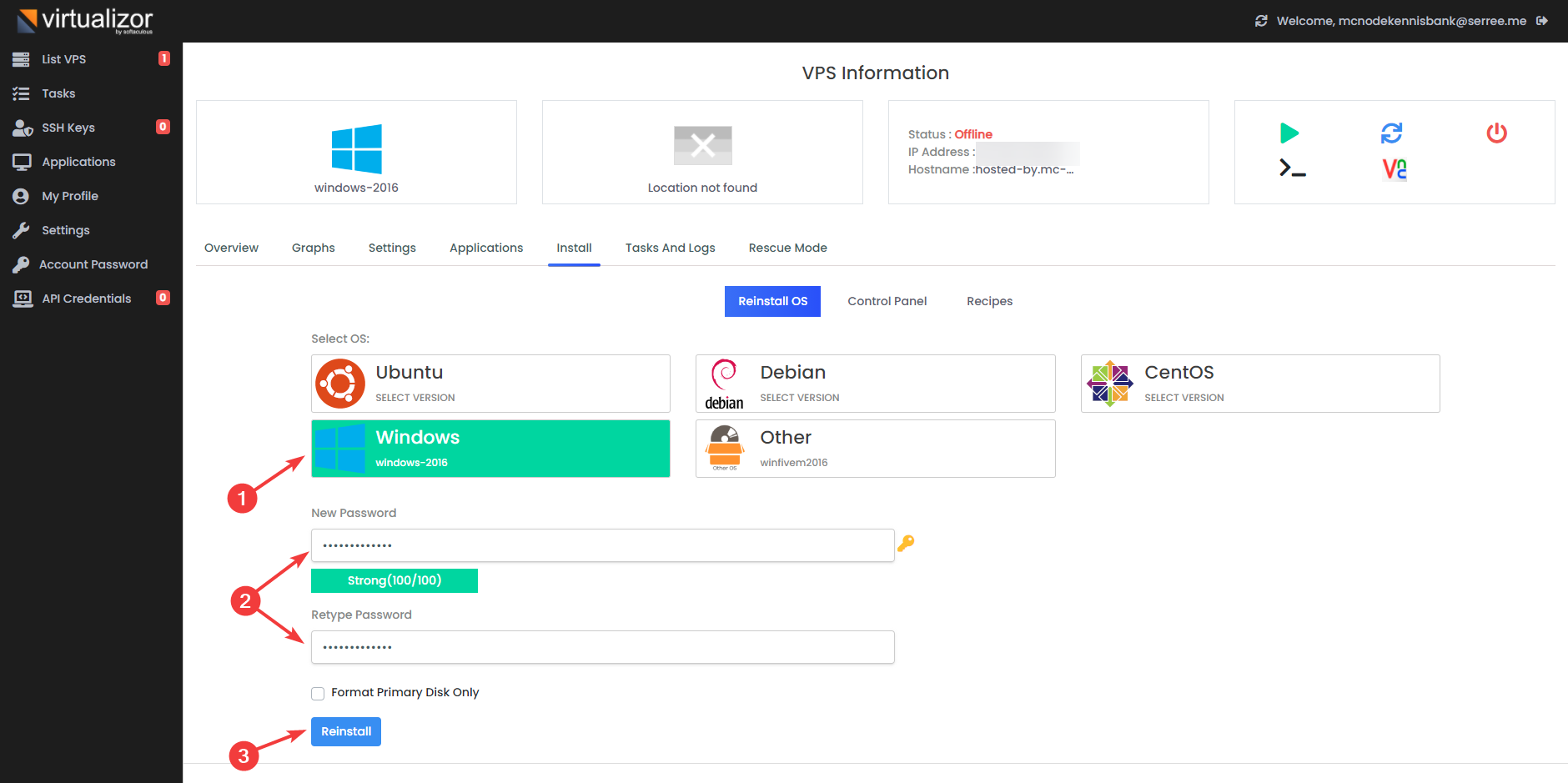
- Choose an operating system, enter a password and click on "Reinstall".
Ready to try it yourself?
View packages →Launch your server in 60 seconds on our own hardware.
Stuck? Our team is happy to help.Open a ticket →
More in this category
How do I activate my Windows license?Connect to your VPS via remote desktop, open cmd, run slmgr.vbs -rearm and restart the VPS to activate your Windows liceHow do I change my root password?Go to the VPS Panel and log in with the credentials delivered to your mailbox. Click your VPS, click "Root/Admin PassworHow do I change the hostname of my VPS?Change the hostname of your VPS: log in to the VPS panel, select your VPS, click "Hostname", enter a new hostname and clHow do I check my KVM's resource usage?Log in to your VPS panel and select your VPS to view its resource usage, or check disk, memory and processes via SSH wit