How do I set the correct nameservers?
How do I set the correct nameservers?
What are nameservers?
Nameservers are essential for internet traffic. They translate readable domain names into IP addresses, so users can reach the right websites. Without nameservers, you would need direct access to websites using IP addresses, which is inconvenient. Nameservers make it easy to visit websites by converting names into technical addresses.
How do I set them?
- Connect to the VPS via SSH.
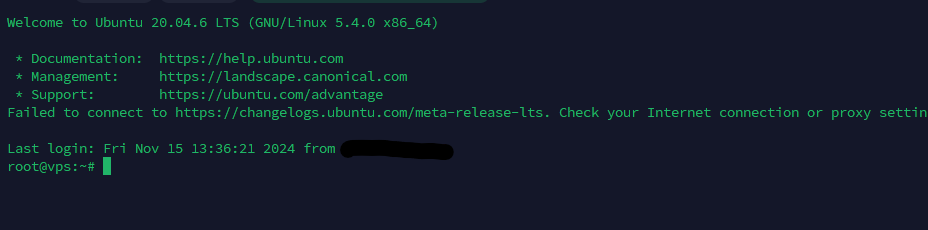
- Enter the following command to open the nameservers file:
nano /etc/resolv.conf.

- Copy and paste the following into the file:
nameserver 1.1.1.1
nameserver 8.8.8.8
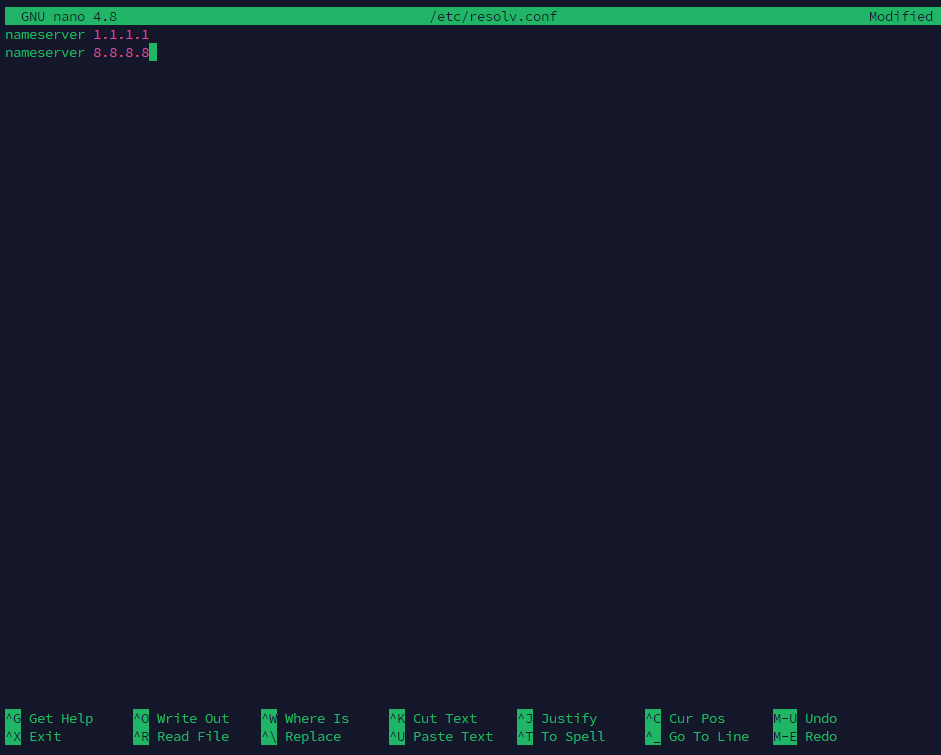
- Save the file:
ctrl + x2. then pressing y3. and finally enter.You have now set the nameservers correctly. If something doesn't work, don't be afraid to open a ticketReady to try it yourself?
View packages →Launch your server in 60 seconds on our own hardware.
Stuck? Our team is happy to help.Open a ticket →
More in this category
How do I activate my Windows license?Connect to your VPS via remote desktop, open cmd, run slmgr.vbs -rearm and restart the VPS to activate your Windows liceHow do I change my operating system?Changing the operating system on an OpenVZ VPS: go to the VPS panel, log in with the details from your mailbox, click yoHow do I change my root password?Go to the VPS Panel and log in with the credentials delivered to your mailbox. Click your VPS, click "Root/Admin PassworHow do I change the hostname of my VPS?Change the hostname of your VPS: log in to the VPS panel, select your VPS, click "Hostname", enter a new hostname and cl