How do I add an extra port?
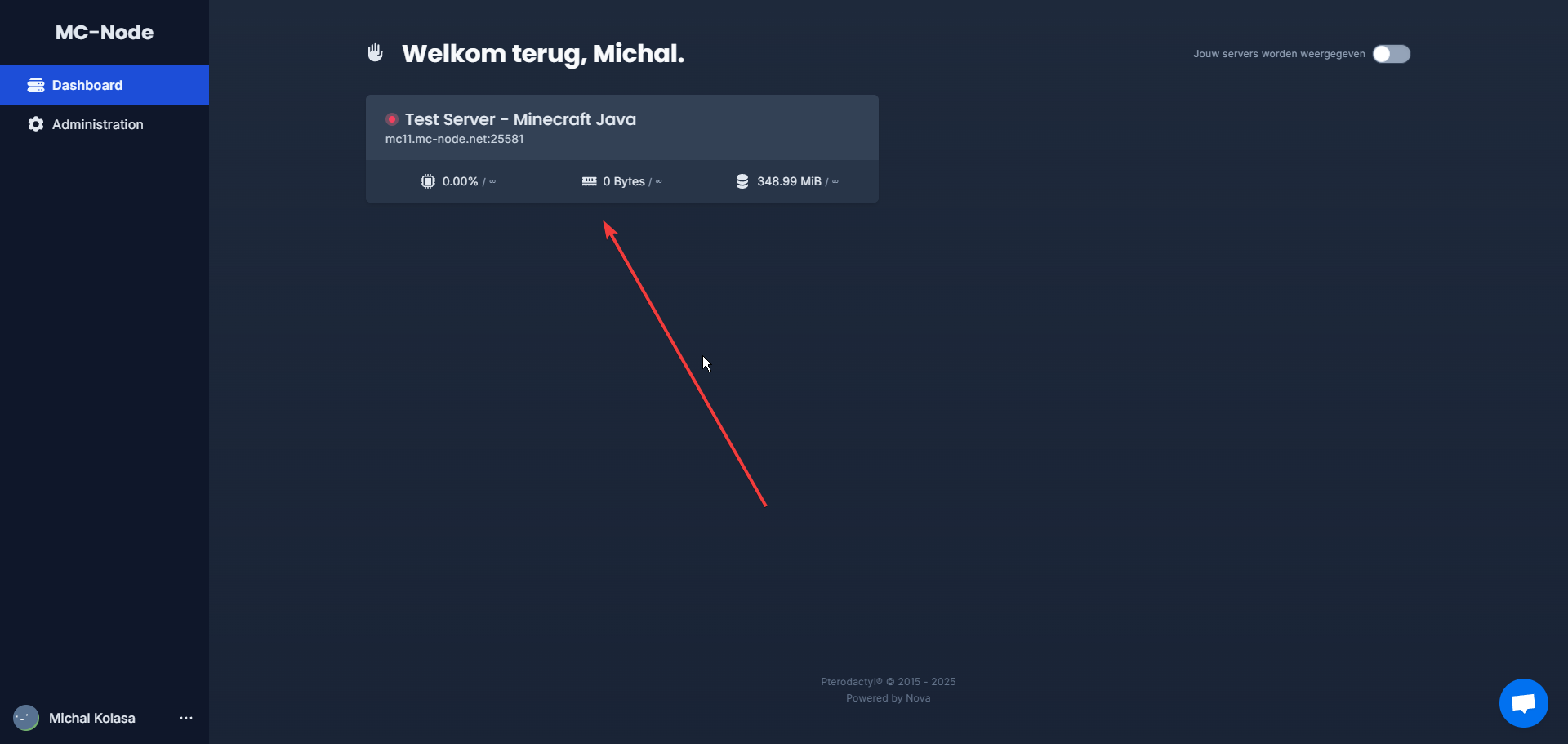
- Go to the game panel and click on your server.
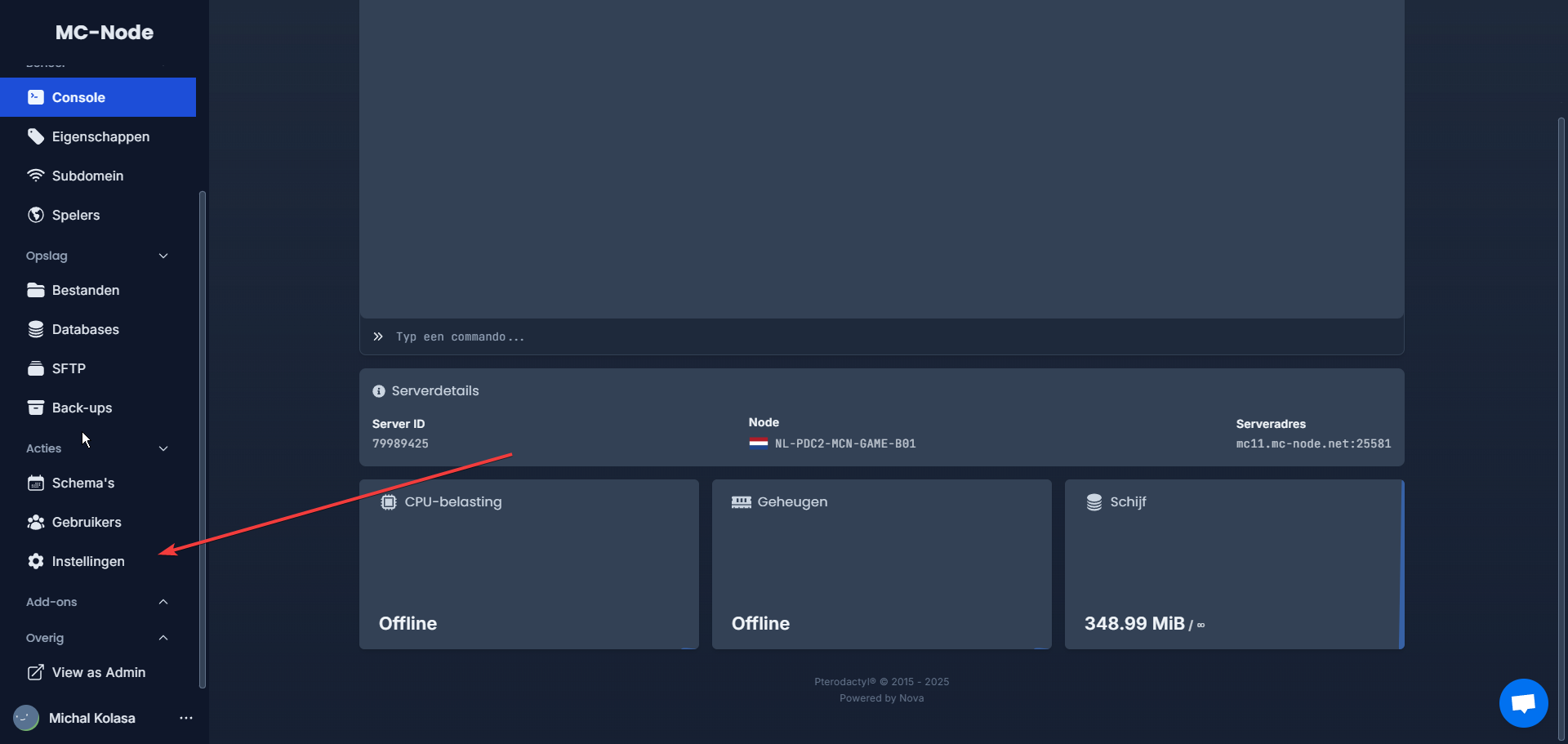
- Click "Settings".
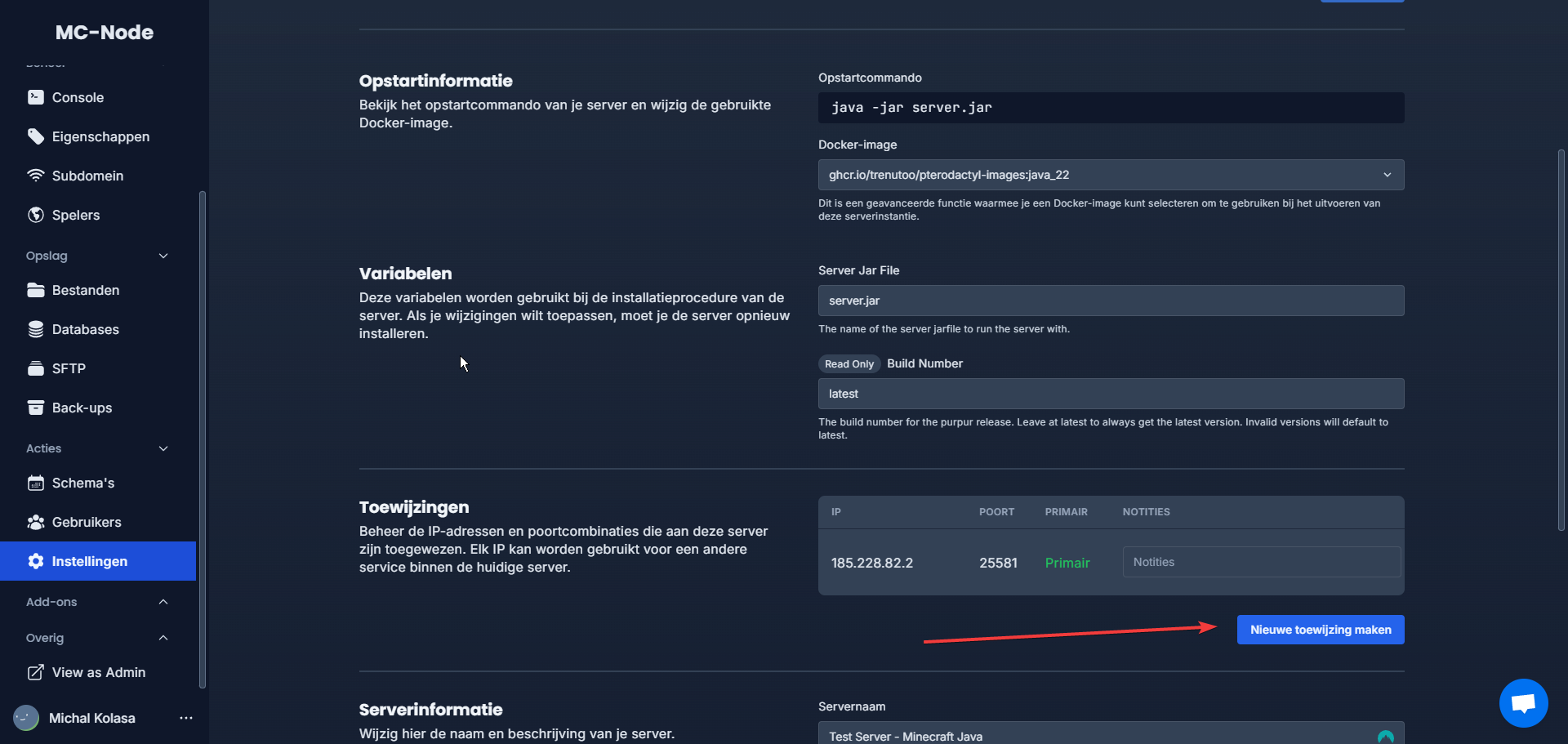
- Click "New allocation".
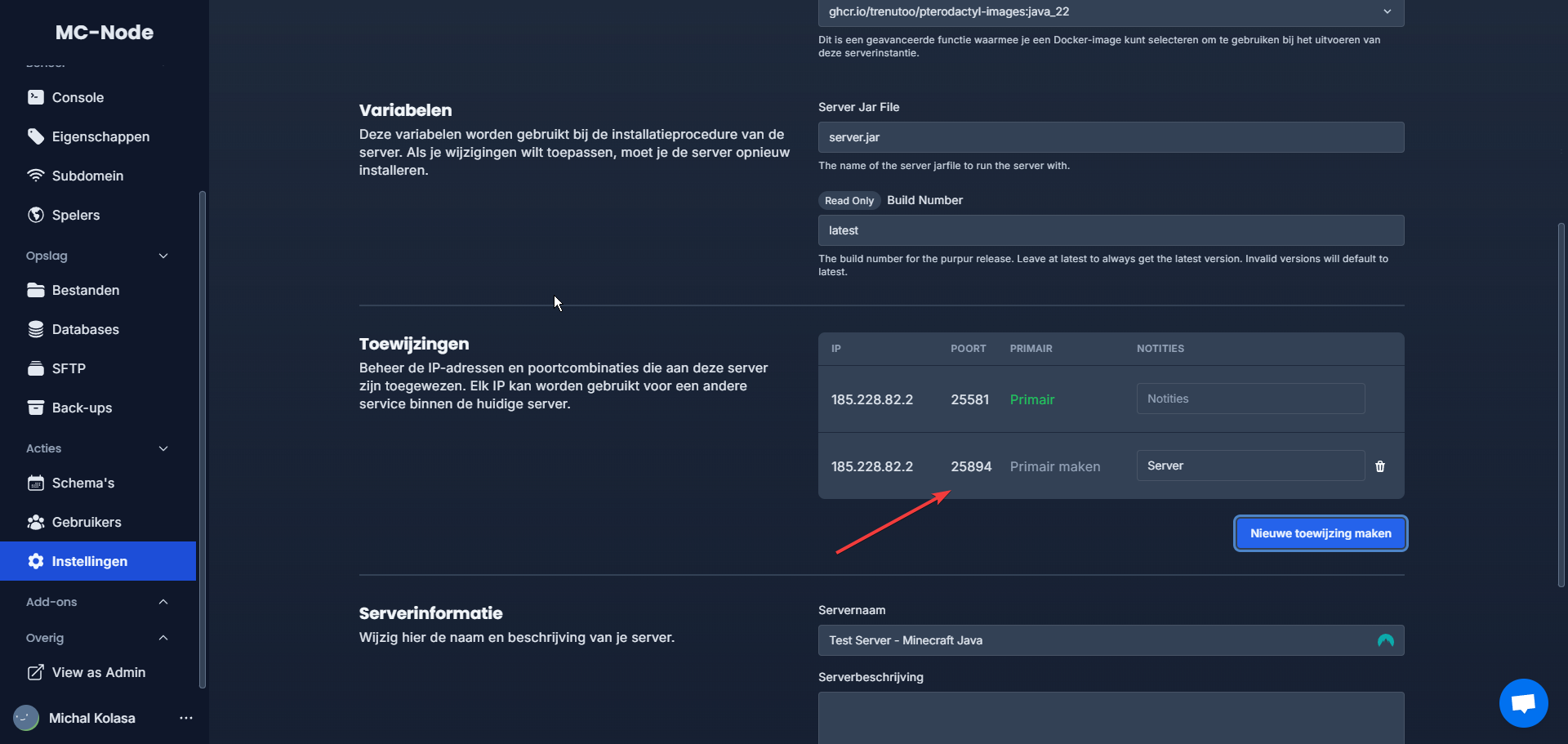
- The port has now been added to the server.
Ready to try it yourself?
View packages →Launch your server in 60 seconds on our own hardware.
Stuck? Our team is happy to help.Open a ticket →
More in this category
Can I transfer my current server to MC-Node?Yes, you can transfer your current server to MC-Node. Download your server from your current host and upload it to us viHow do I add a resource pack to my server?Add a resource pack to your Minecraft server: upload it to Dropbox, copy the share link, and set it in the resource-packHow do I add a server icon to my Minecraft server?Add a server icon: upload a 64x64 PNG named server-icon.png to the server's root folder, restart and check the list. PluHow do I add a subdomain?Go to the game panel, open your server and click "Subdomain". Click "Create subdomain", enter a name, pick a domain and