How do I fix the Jar file missing error?
- You receive the error Jar file is missing or Unable to access.
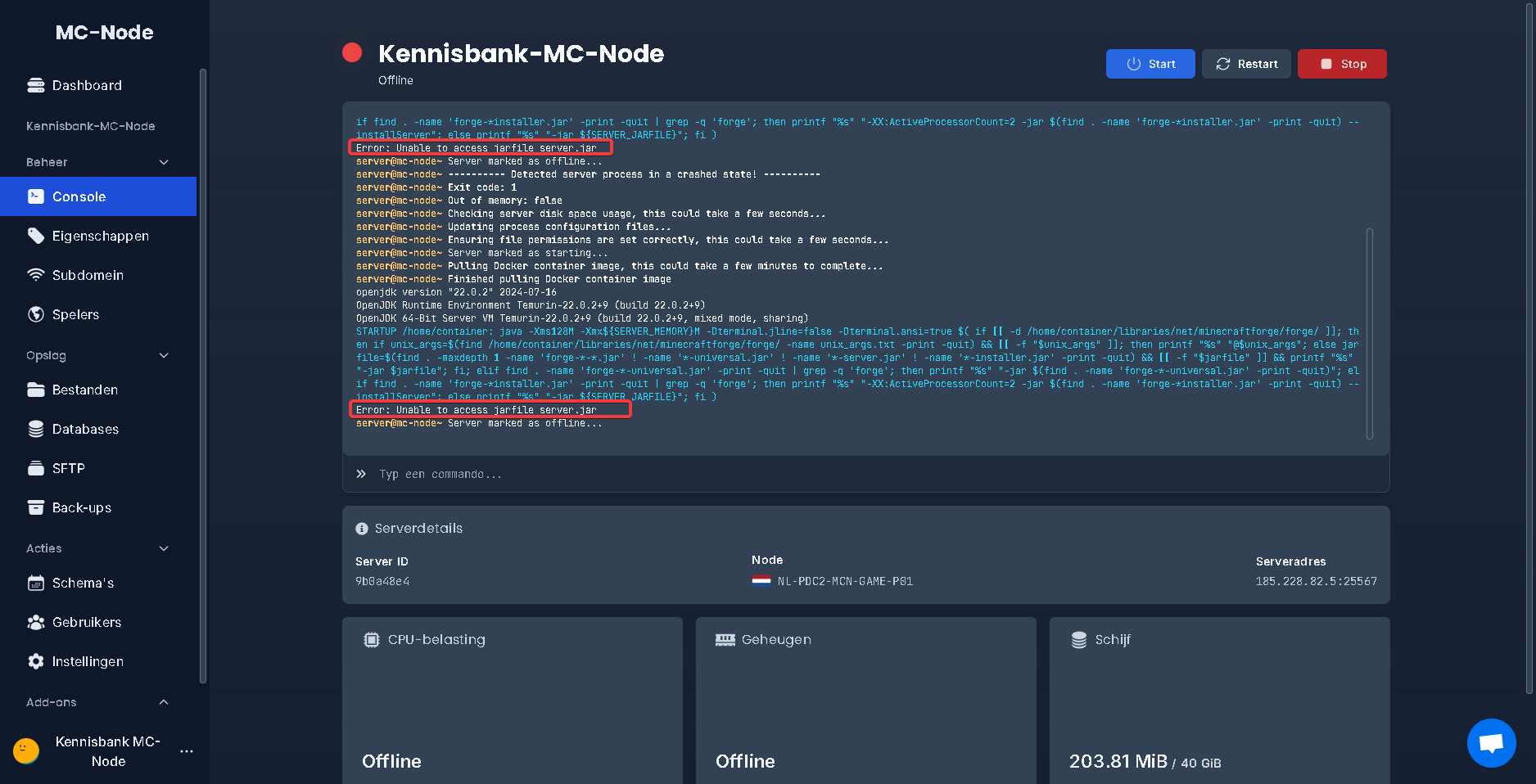
- Go to "Settings"
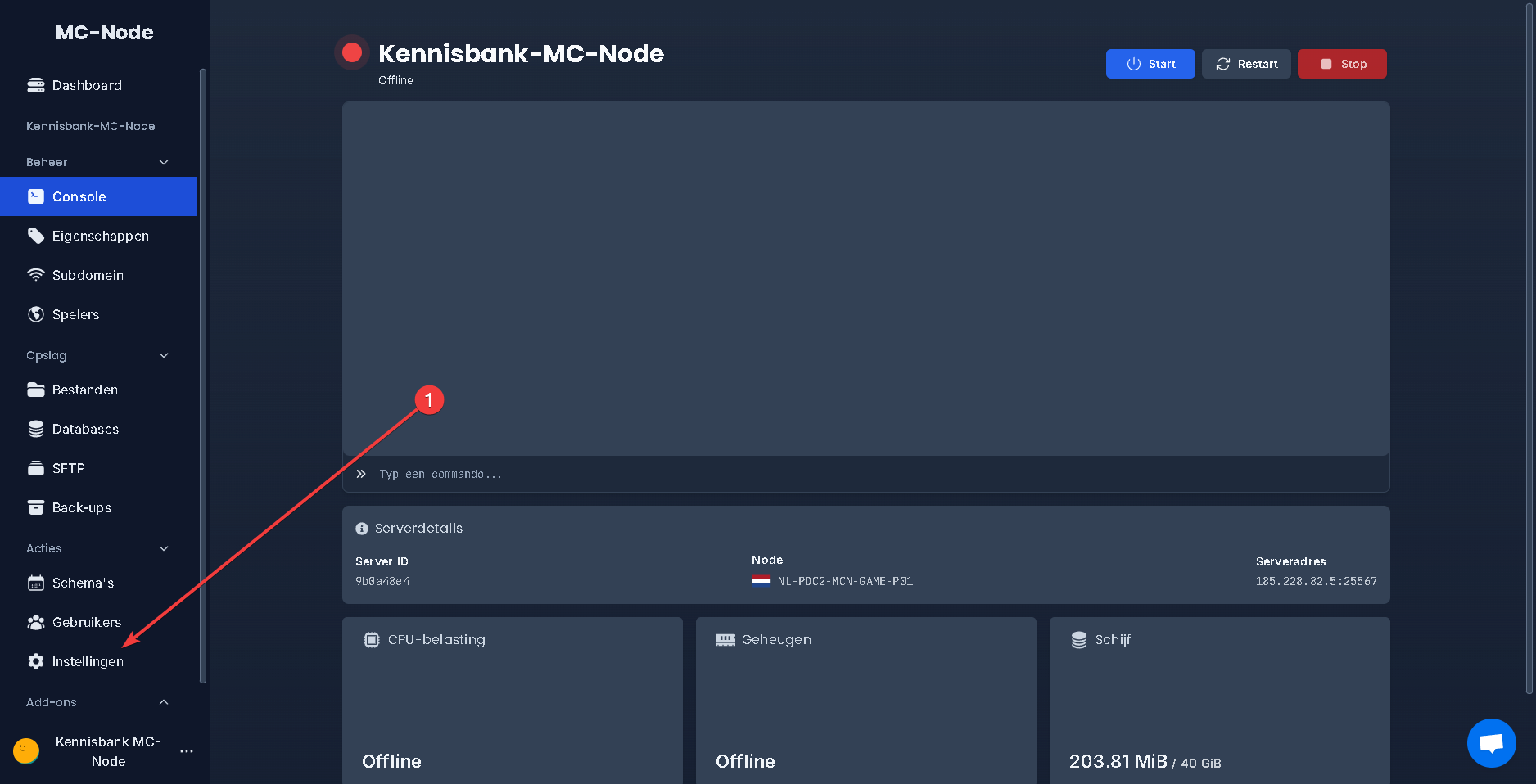
- Then click the box under "Type" and select paper, spigot, purpur or vanilla. Once you have selected a type, click the box below at "Version" and choose the version you want, for example 1.20.2 or 1.21.4. Then click the "Install" button.
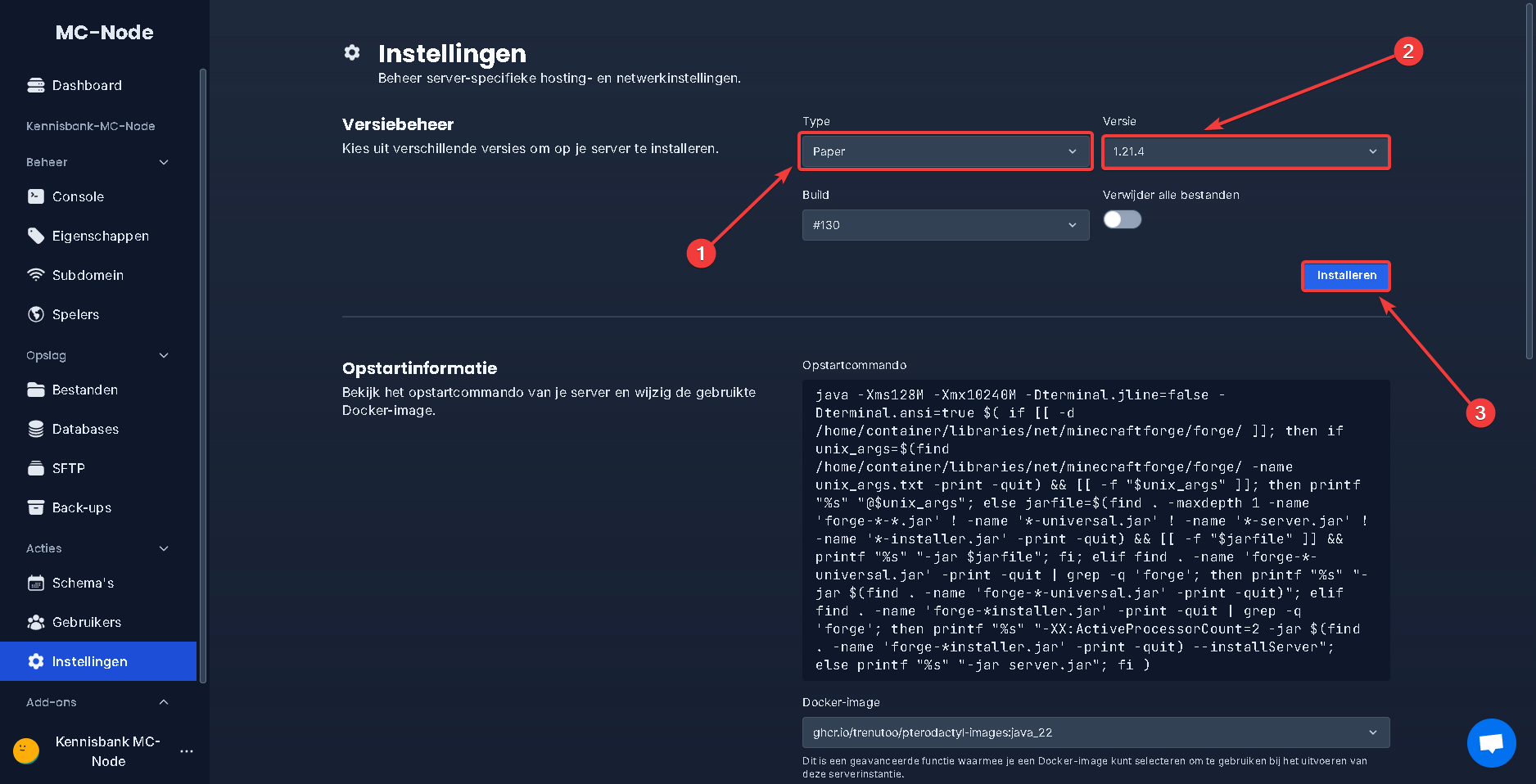
- Then go back to "Console"
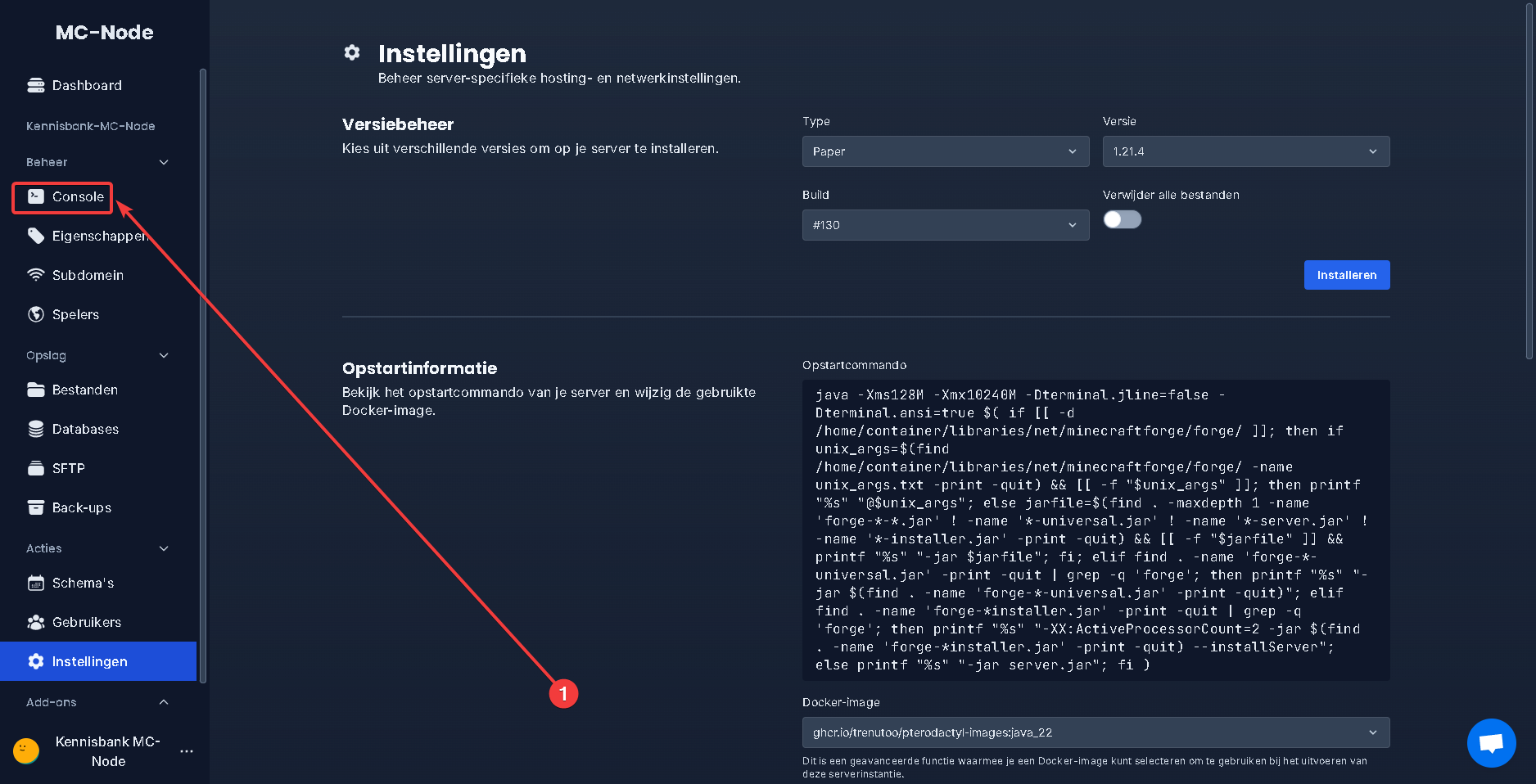
- Click "Start" and the server should now boot up. If the server still does not start, the Java version may not be set correctly. You can change this under "Settings" at the docker image. The newest versions require Java_18 up to Java_22. Versions 1.17 to 1.18.2 use the Java version Java_17. If you selected versions 1.16.2 to 1.16.5, select the Java version java-16. If you selected versions 1.8.8 to 1.15.2, select the Java version java-11.
Ready to try it yourself?
View packages →Launch your server in 60 seconds on our own hardware.
Stuck? Our team is happy to help.Open a ticket →
More in this category
Can I transfer my current server to MC-Node?Yes, you can transfer your current server to MC-Node. Download your server from your current host and upload it to us viHow do I add a resource pack to my server?Add a resource pack to your Minecraft server: upload it to Dropbox, copy the share link, and set it in the resource-packHow do I add a server icon to my Minecraft server?Add a server icon: upload a 64x64 PNG named server-icon.png to the server's root folder, restart and check the list. PluHow do I add a subdomain?Go to the game panel, open your server and click "Subdomain". Click "Create subdomain", enter a name, pick a domain and