/
mc-node.net →
Discord bots

How do I get started with my Discord bot hosting?

Updated 05/03/20251 min read

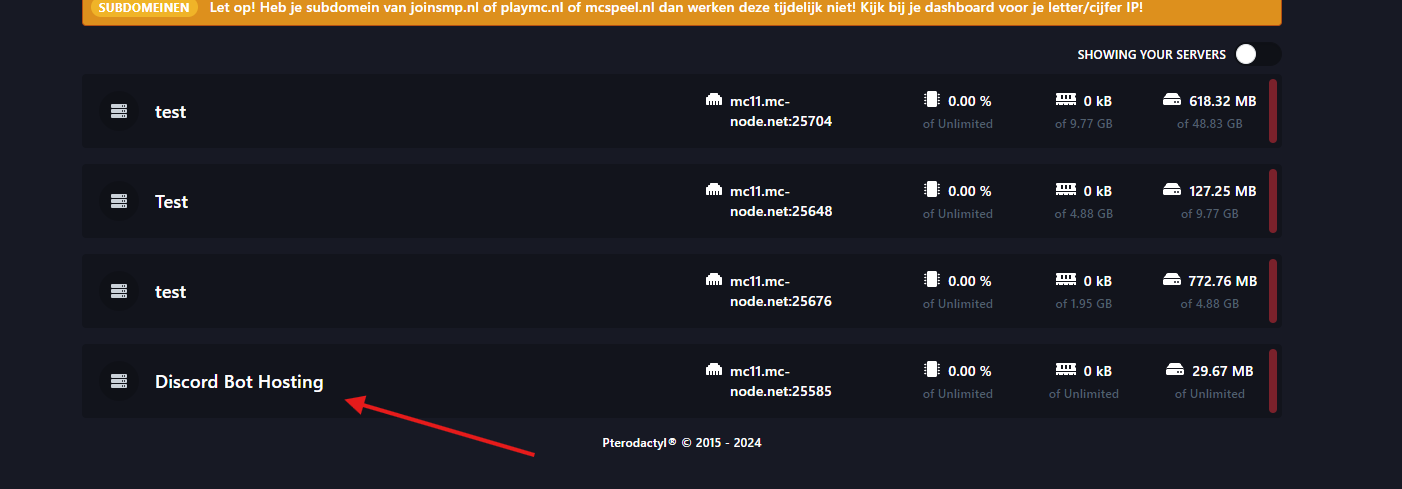
How do I get started with my bot hosting?

  1. Go to your bot hosting server:

How do I get started with my Discord bot hosting?

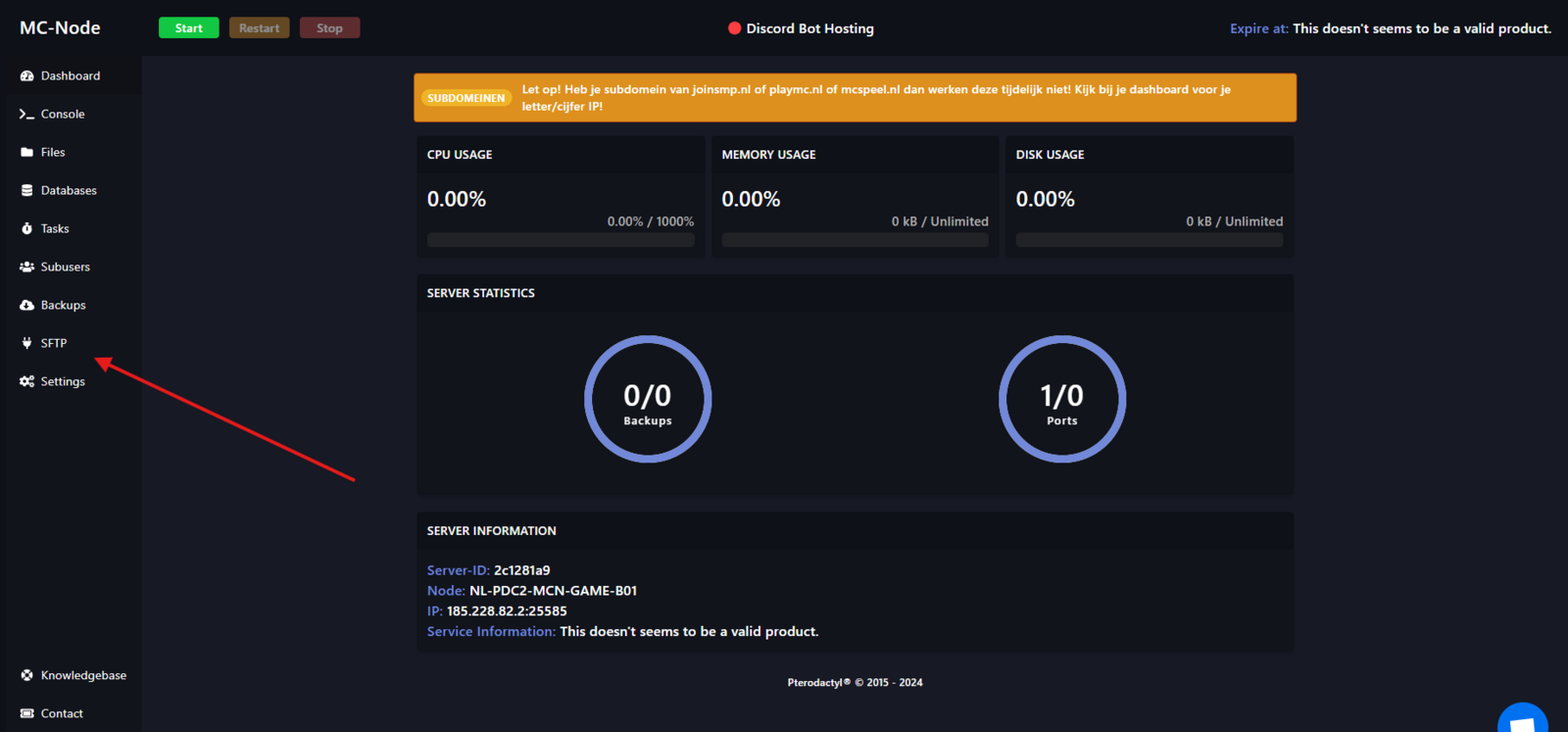
  1. Go to SFTP

How do I get started with my Discord bot hosting?

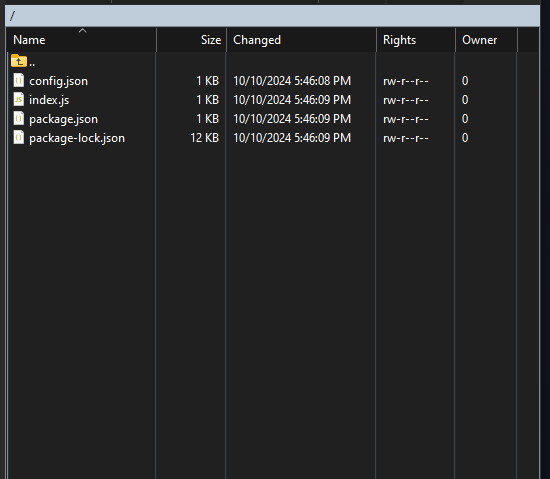
  1. Drag your bot files over:

How do I get started with my Discord bot hosting?

For this tutorial we are using: sample botHow to use SFTP: How do I use SFTP?
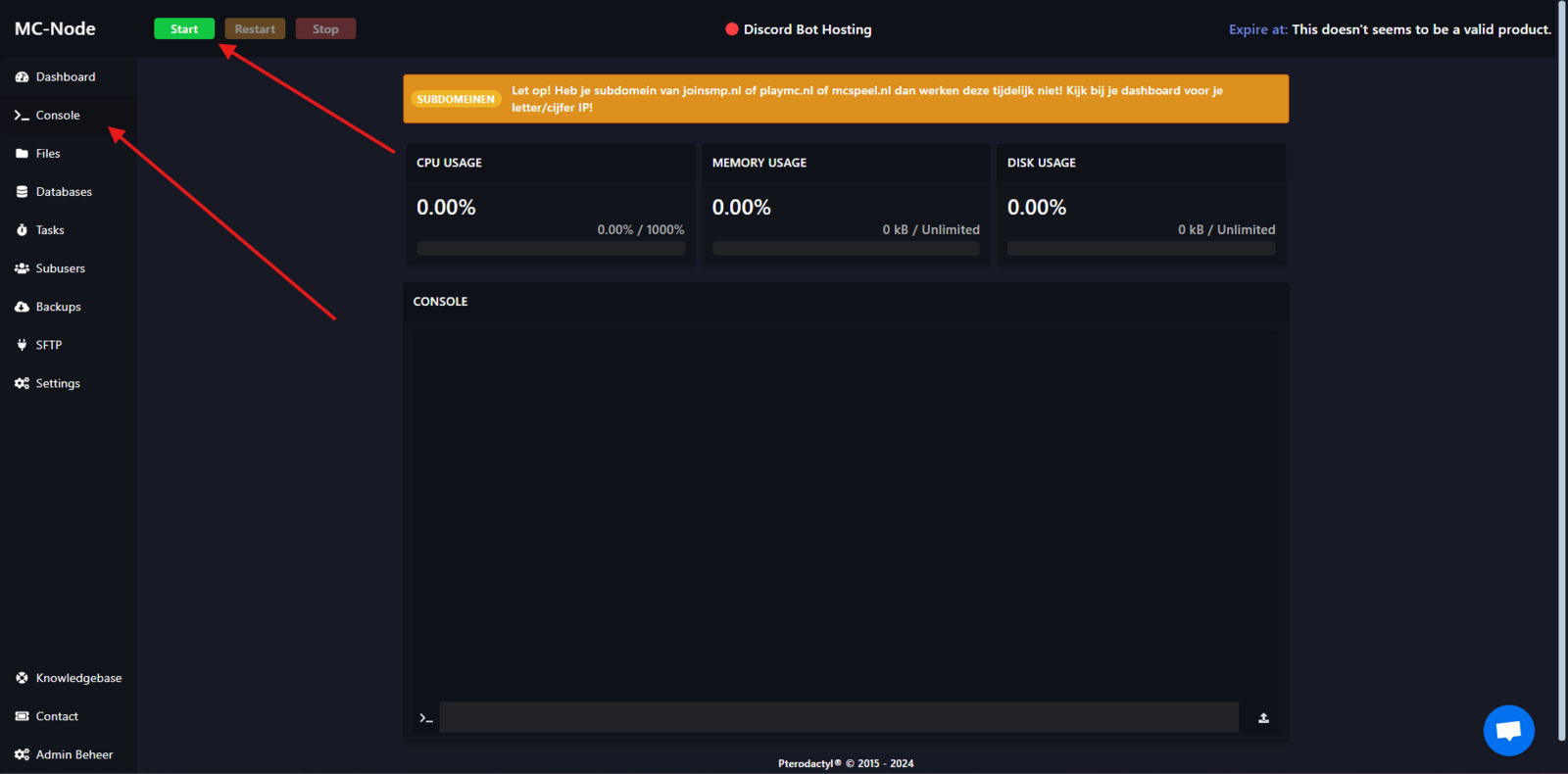
  1. Then go to Console and click Start:

How do I get started with my Discord bot hosting?

  1. If you see the following in the console, it means your bot is online:
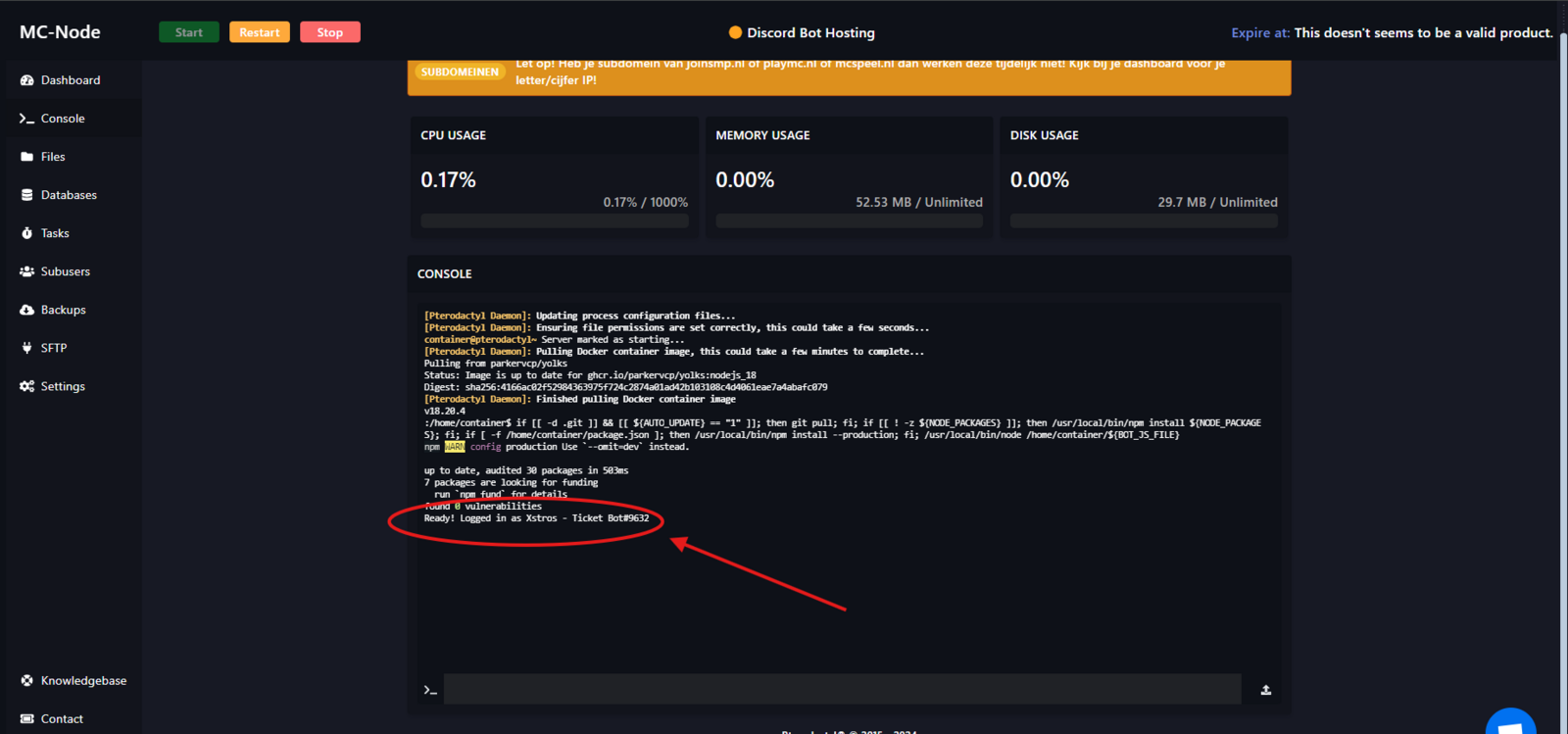
How do I get started with my Discord bot hosting?

If you don't see it, don't hesitate to contact us via live chat or a ticket.With this tutorial you should have successfully started a Discord bot.
Ready to try it yourself?

Launch your server in 60 seconds on our own hardware.

View packages →
Stuck? Our team is happy to help.Open a ticket →