How do I set up a FiveM play domain?
- Go to the client area.
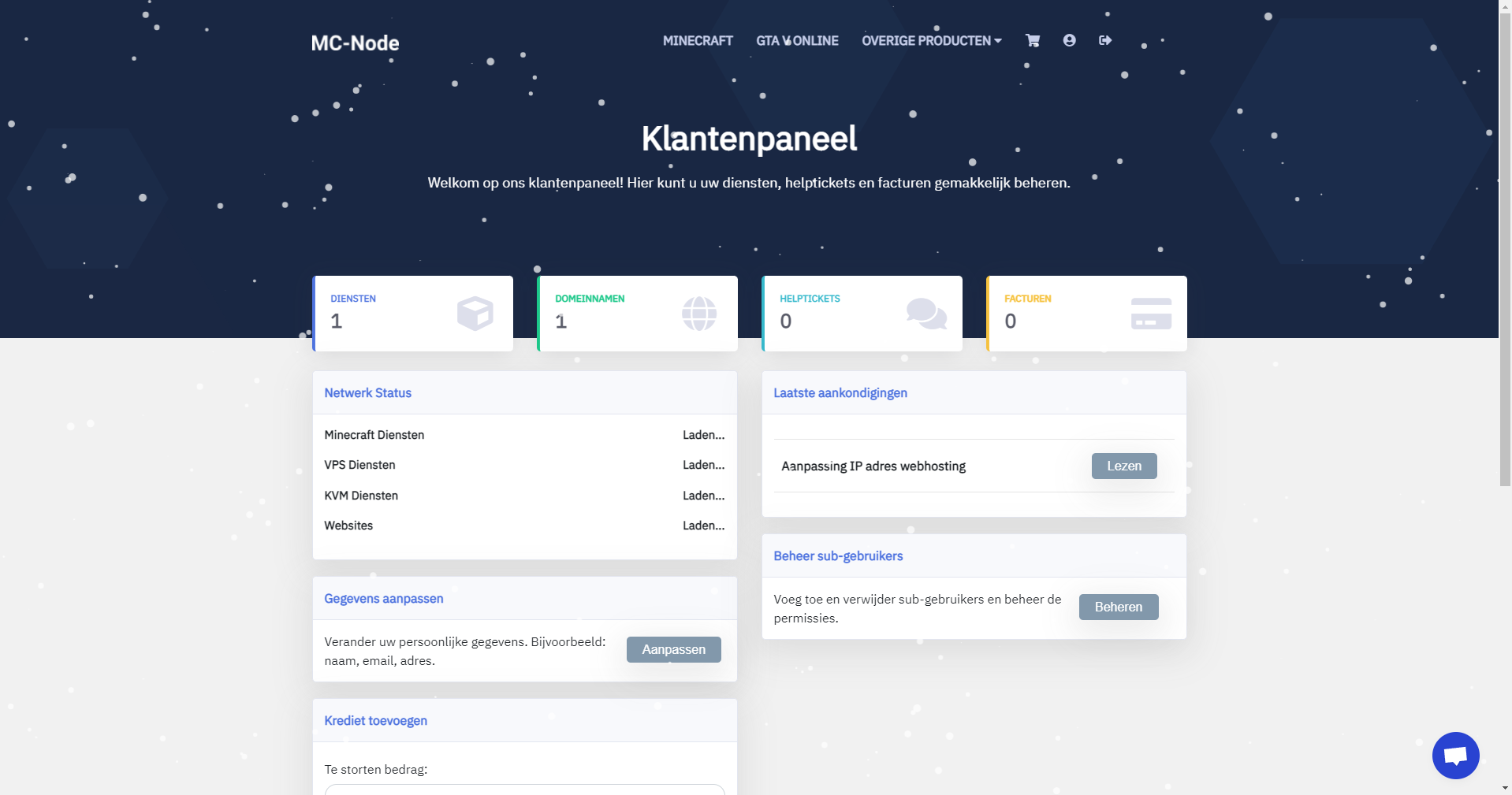
- Click on domain names.
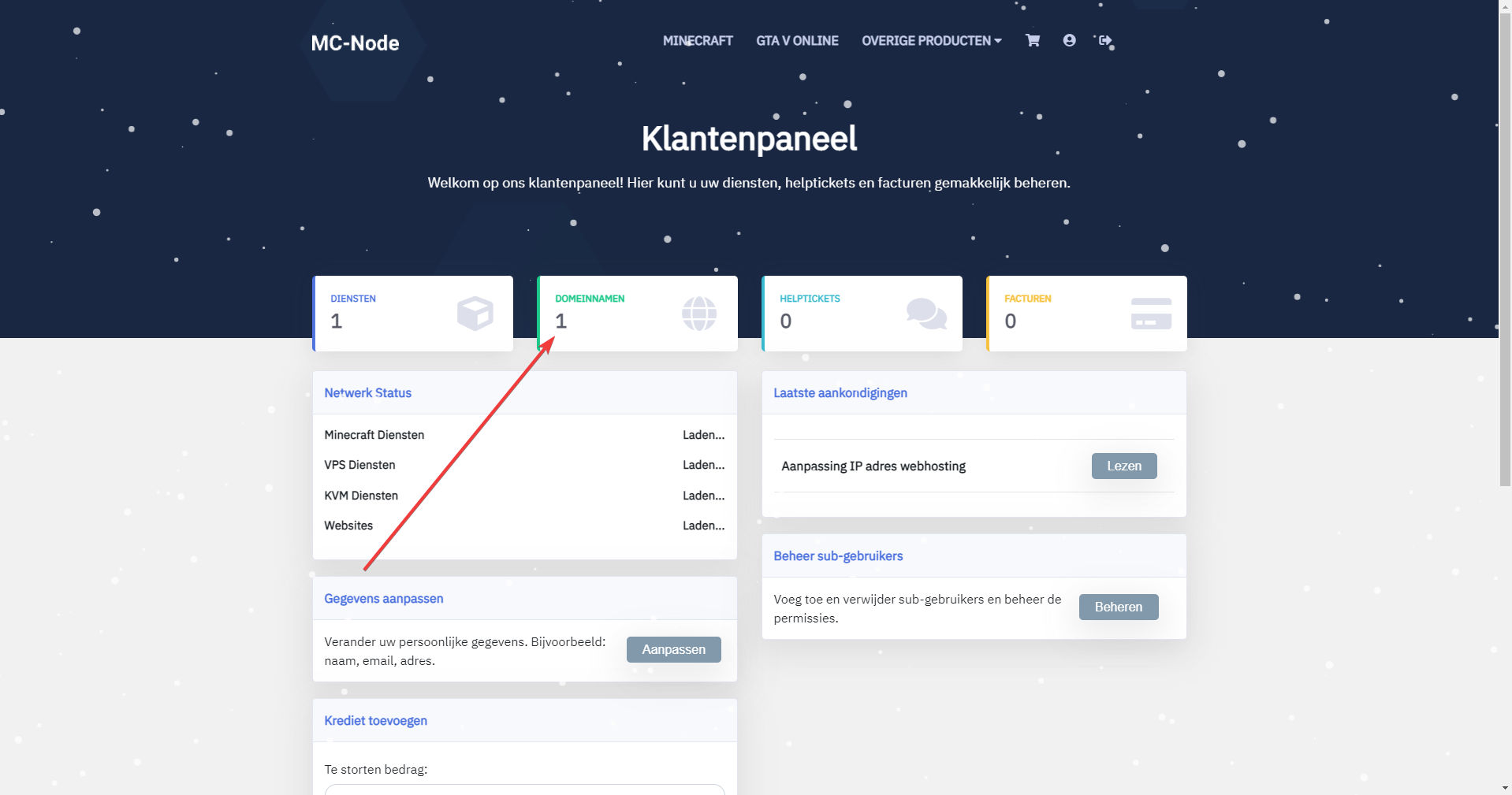
- Then click on the "Domain name" you want to create a play domain for.
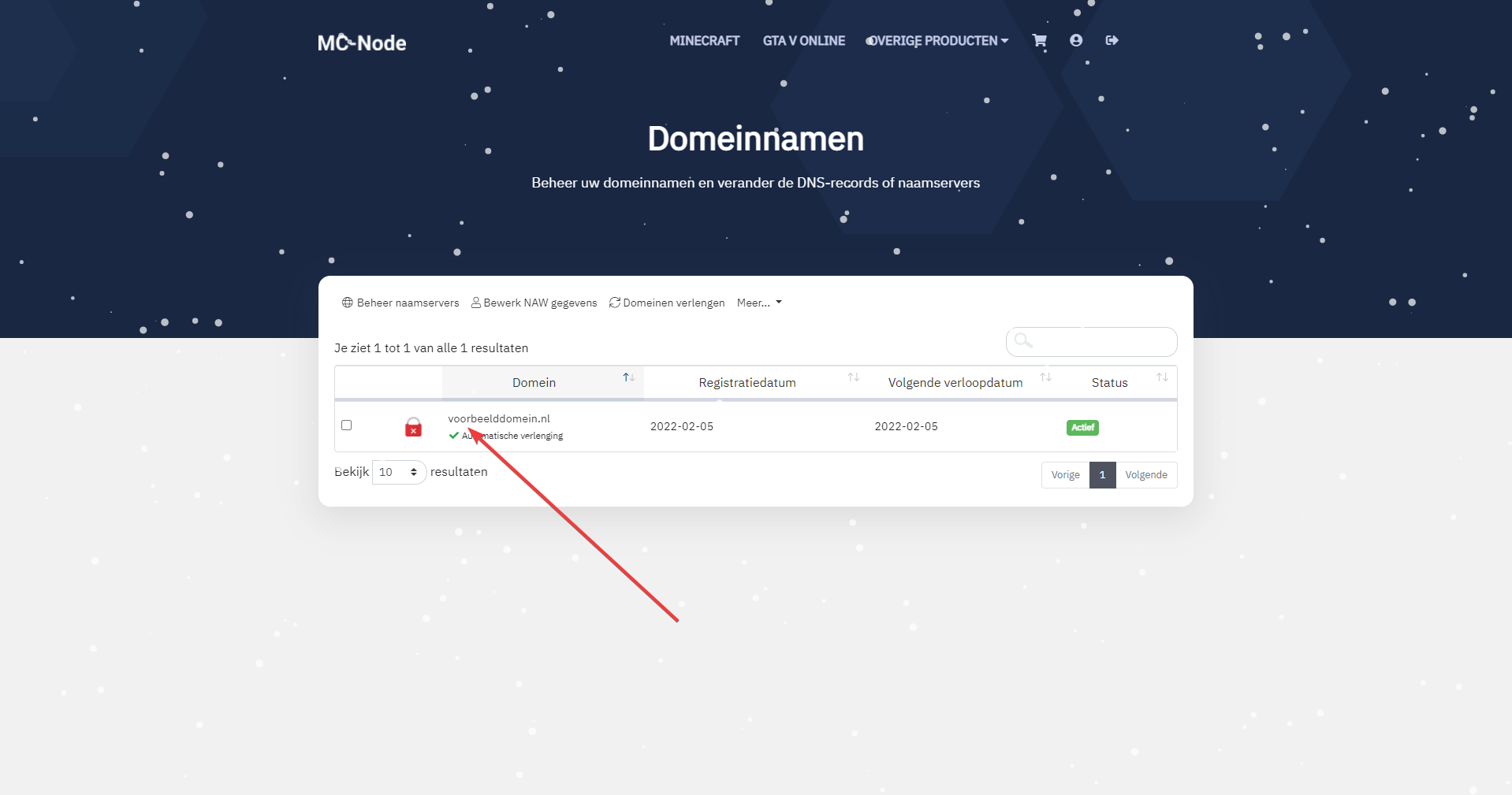
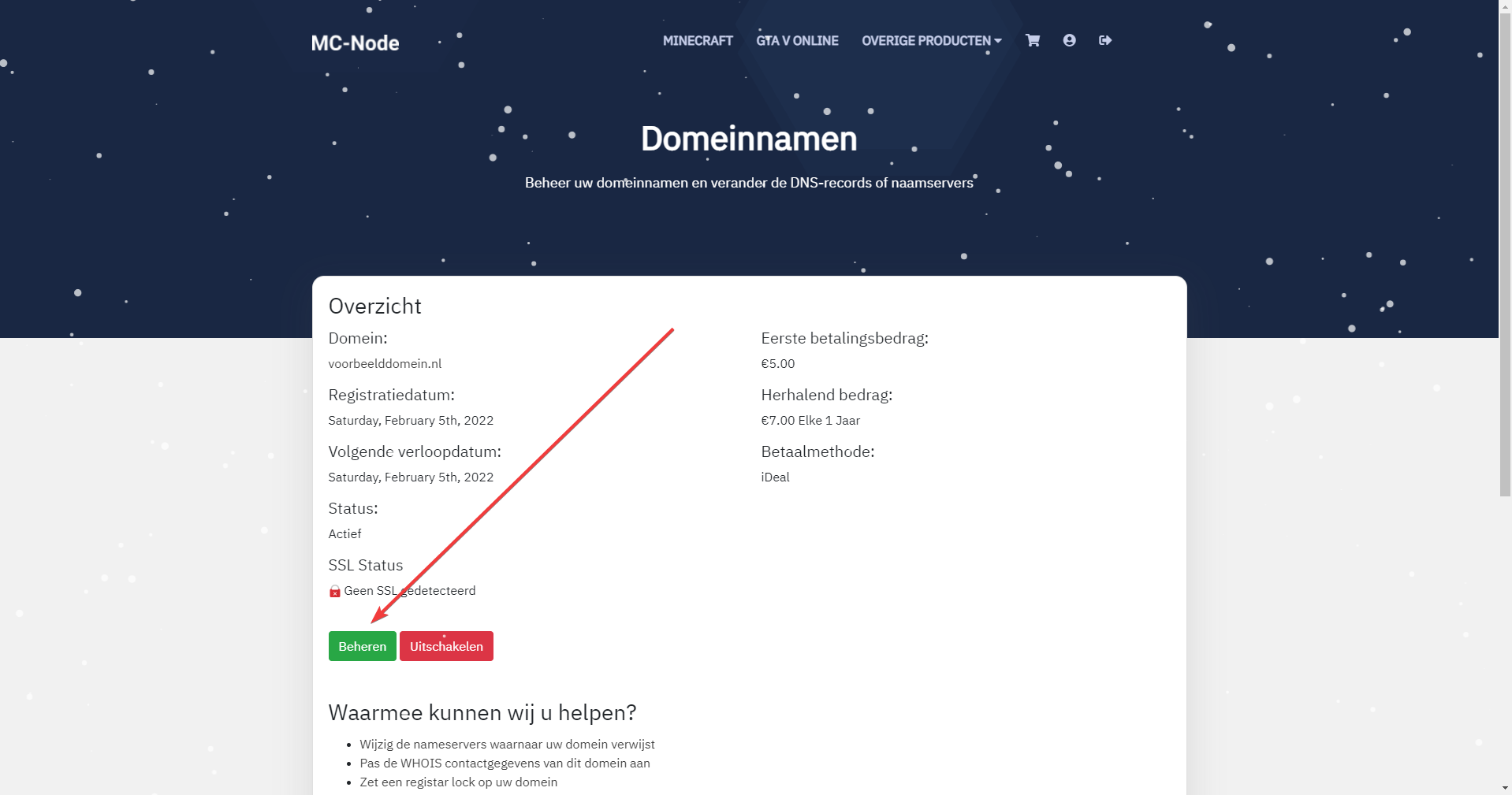
- Then click on "Manage".
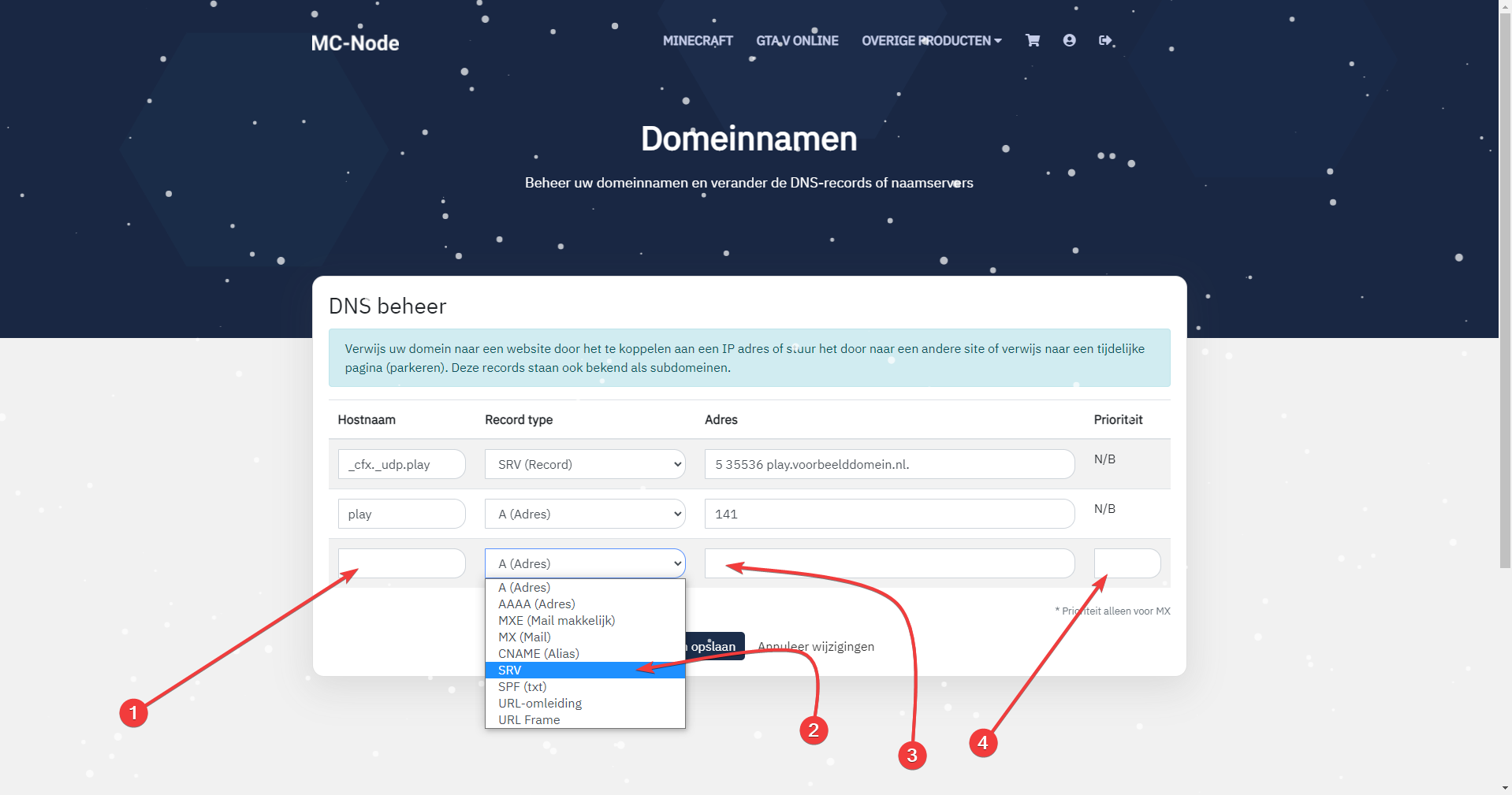
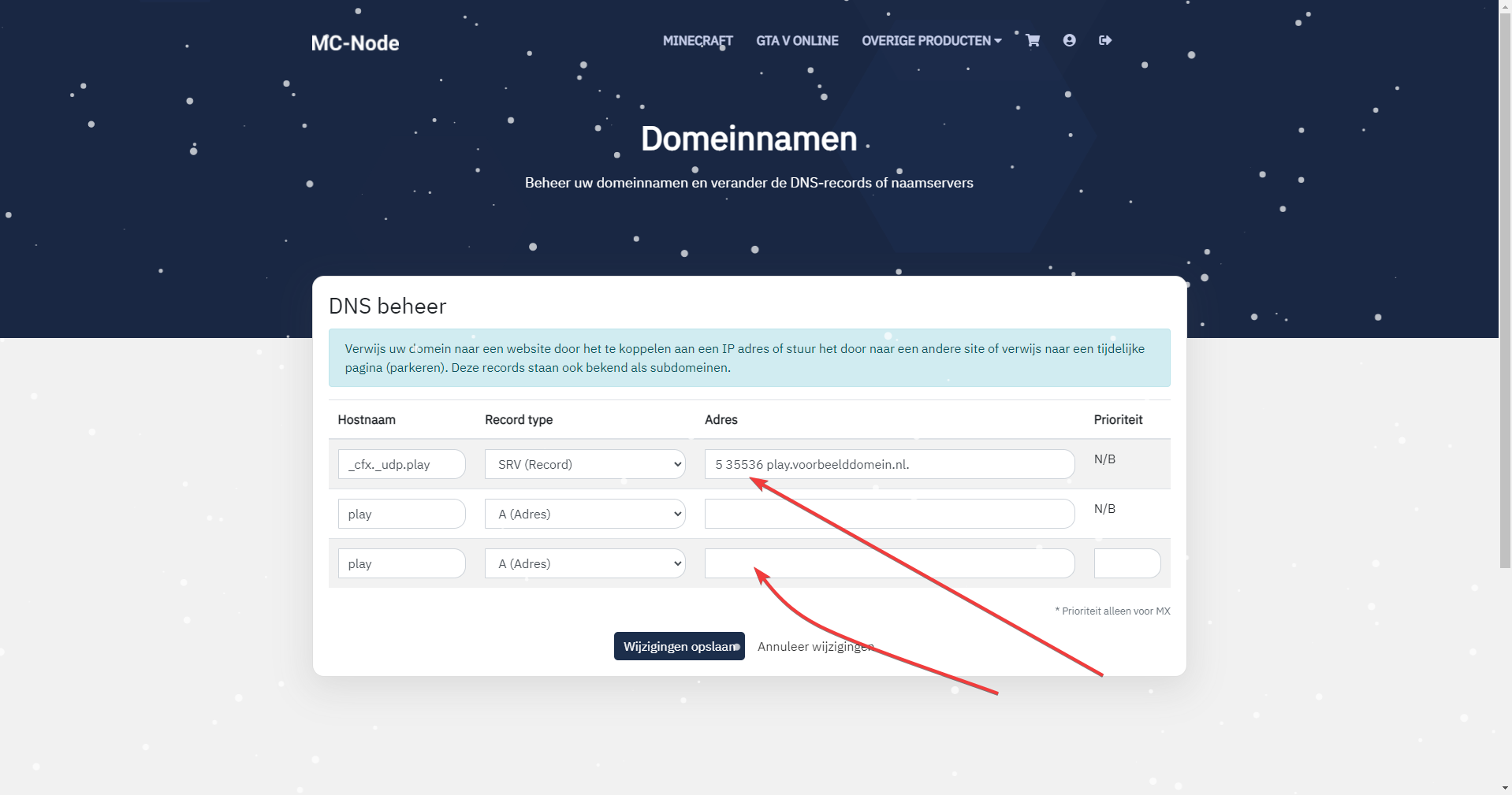
- At number 1, enter "_cfx._udp.play" as the "Hostname"; at number 2, select an SRV (Record) as the "Record type". At number 3, enter "5 35536 play.voorbeelddomein.nl." as the "Address" — don't forget to change the name play.voorbeelddomein.nl to your own domain name. Above all, don't forget to put play. in front of it, otherwise it won't work. For priority, enter "10".
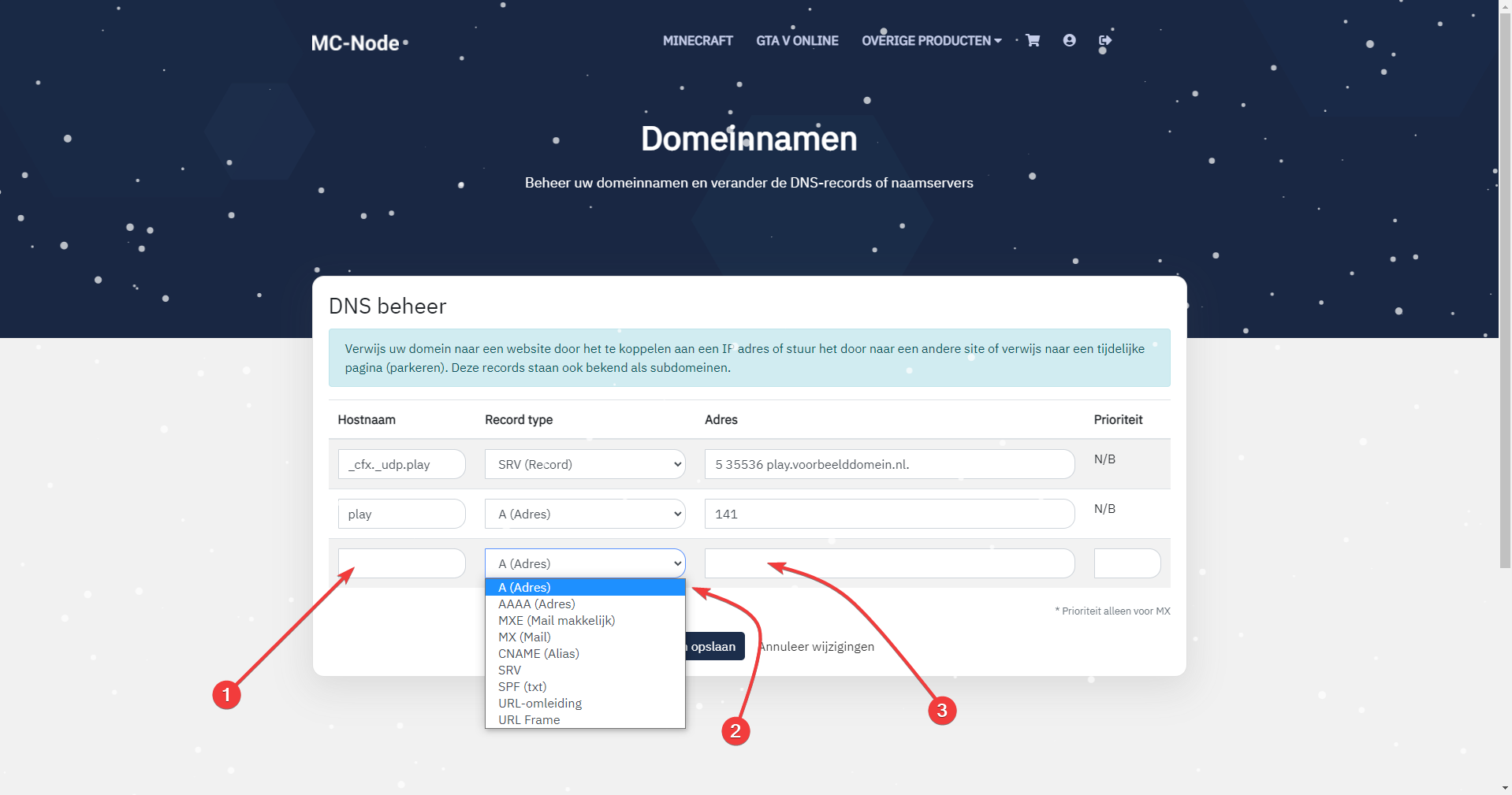
- At number 1, enter "play" as the "Hostname"; at number 2, select a "Record type", in this case an "A (Address)". At number 3, enter the IP address. You can find this on the game panel
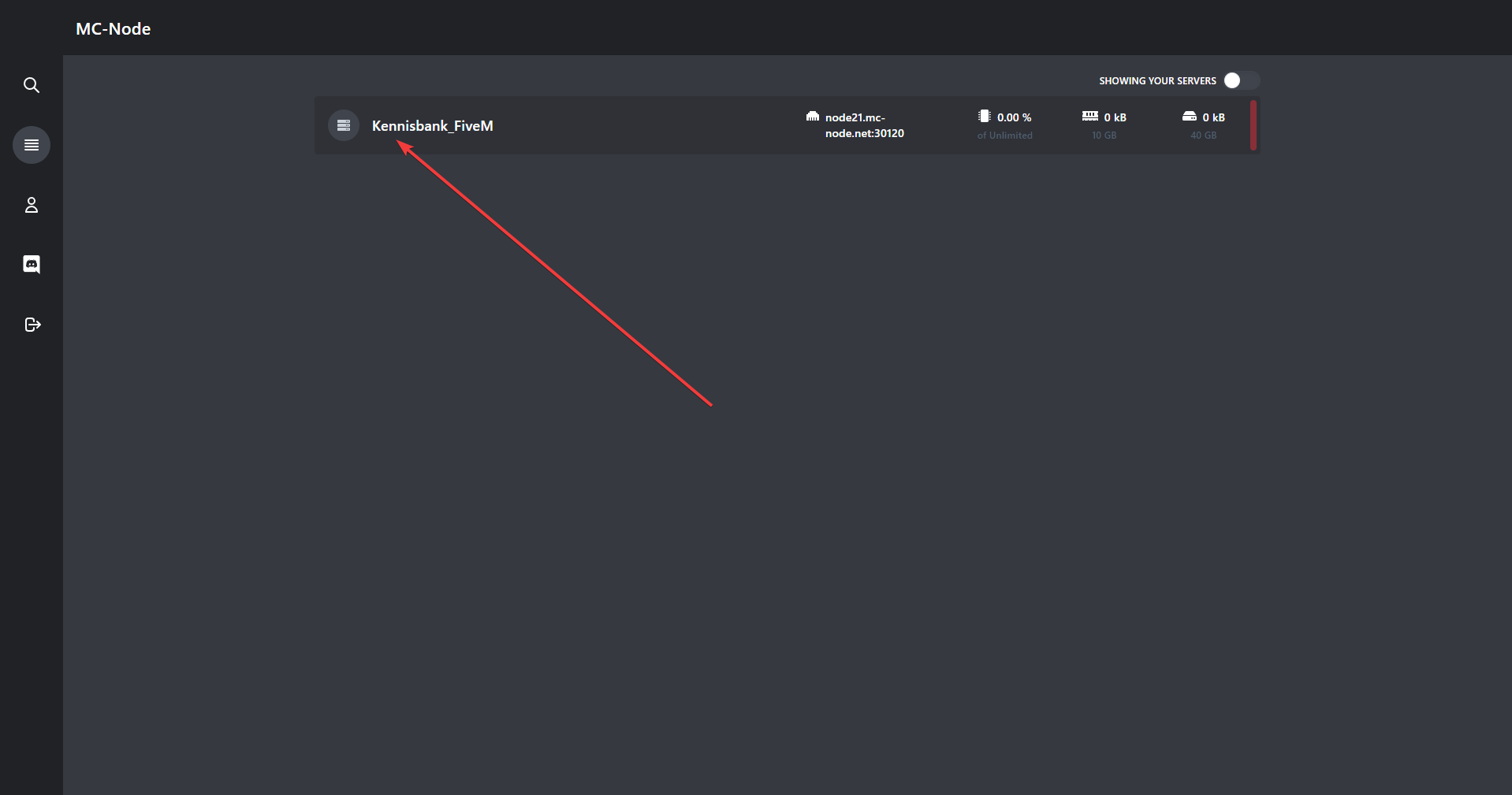
- Go to the game panel and click on your server, then click on dashboard.
- Once you have clicked on your server and on the dashboard button, you will see your server IP address at the very bottom under "Server Information" next to "IP:".
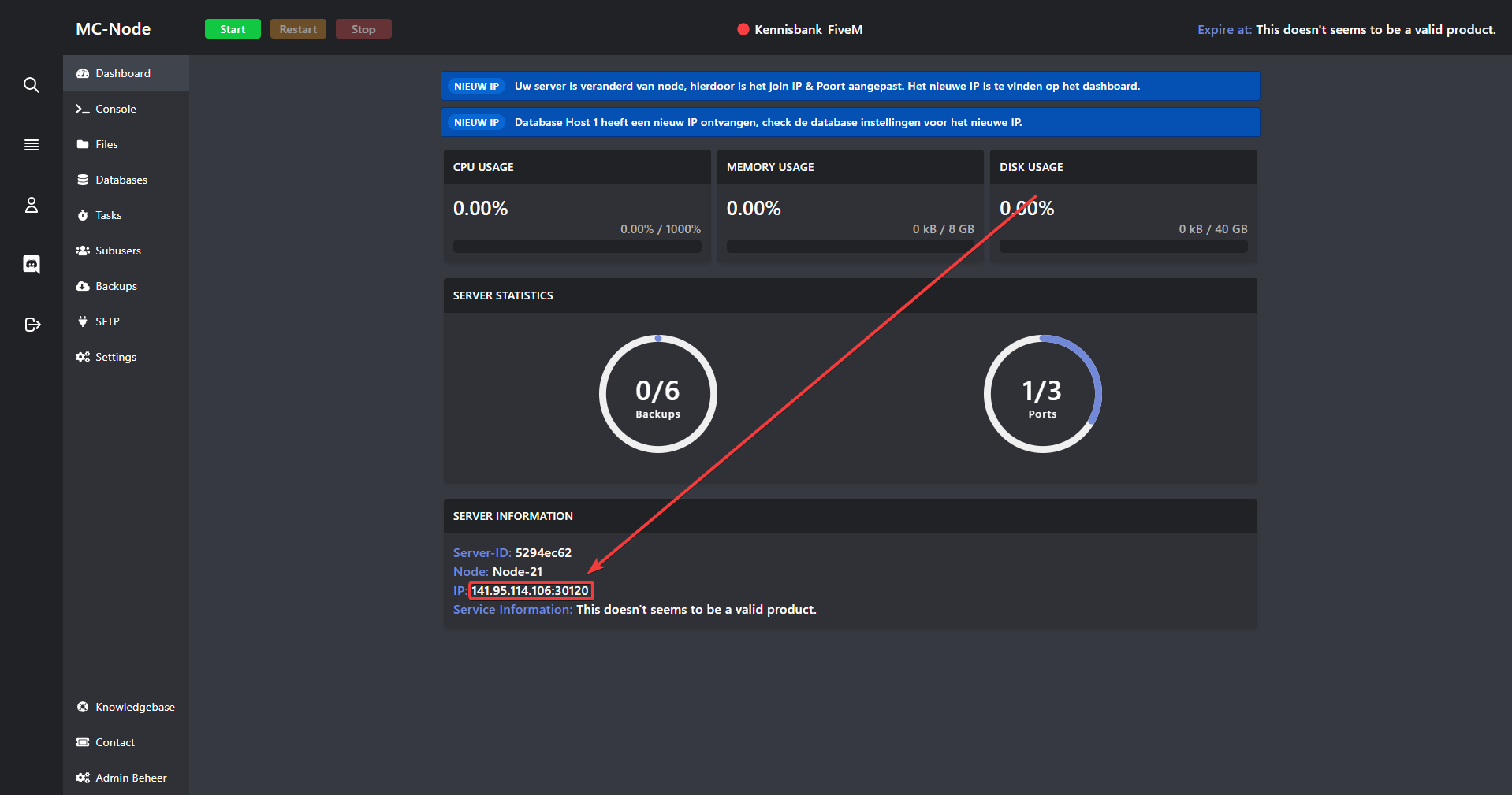
- Finally, go back to your domain name and enter that IP address without the colon in the "Address" field. Then go back to your "SRV" record and enter the port where it currently says "35536". That is the part after the ":" — the colon
Ready to try it yourself?
View packages →Launch your server in 60 seconds on our own hardware.
Stuck? Our team is happy to help.Open a ticket →
More in this category
ESX, QBCore or Qbox: which FiveM framework should you choose in 2026?ESX, QBCore or Qbox? Compare community, updates and script support, and see why Qbox is the best FiveM framework to chooFiveM and GTA V Enhanced: what changes for your server?Get your FiveM server ready for GTA V Enhanced: mandatory pure mode, only the latest game build and OneSync up to 120 HzHow do I add a logo to my FiveM server in the server list?Set a server logo for the FiveM server list: upload a 96x96 PNG, enable load_server_icon in server.cfg, restart and checHow do I add addon cars to my FiveM server?Learn how to add addon cars to your FiveM server: upload custom vehicles via SFTP, ensure them in server.cfg and sell th