Ryzen 9 9950X vs 7950X3D: what changes on a server?
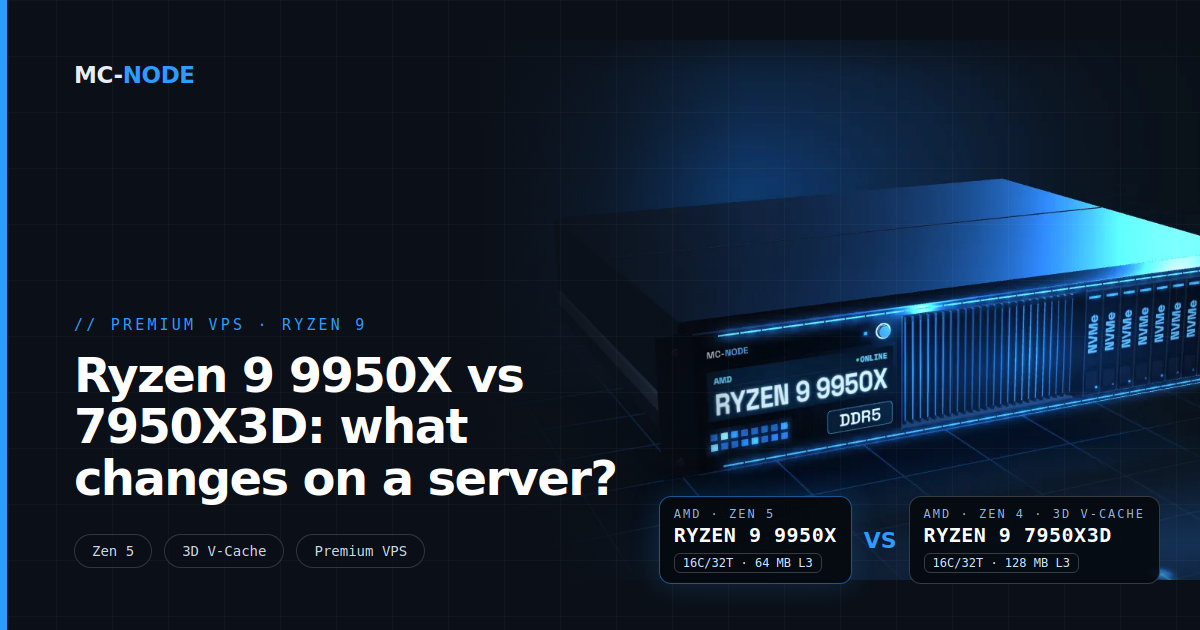
Our Premium VPS lists ‘AMD Ryzen 9 9950X*’, and that asterisk refers to the 7950X3D. What do you notice of 9950X vs 7950X3D on a server? On paper, not much: both have 16 cores, 32 threads and a boost of up to 5.7 GHz. The 9950X is one generation newer, the 7950X3D has twice as much L3 cache. The rest depends on your workload.
* or AMD Ryzen 9 7950X3D, depending on the node.
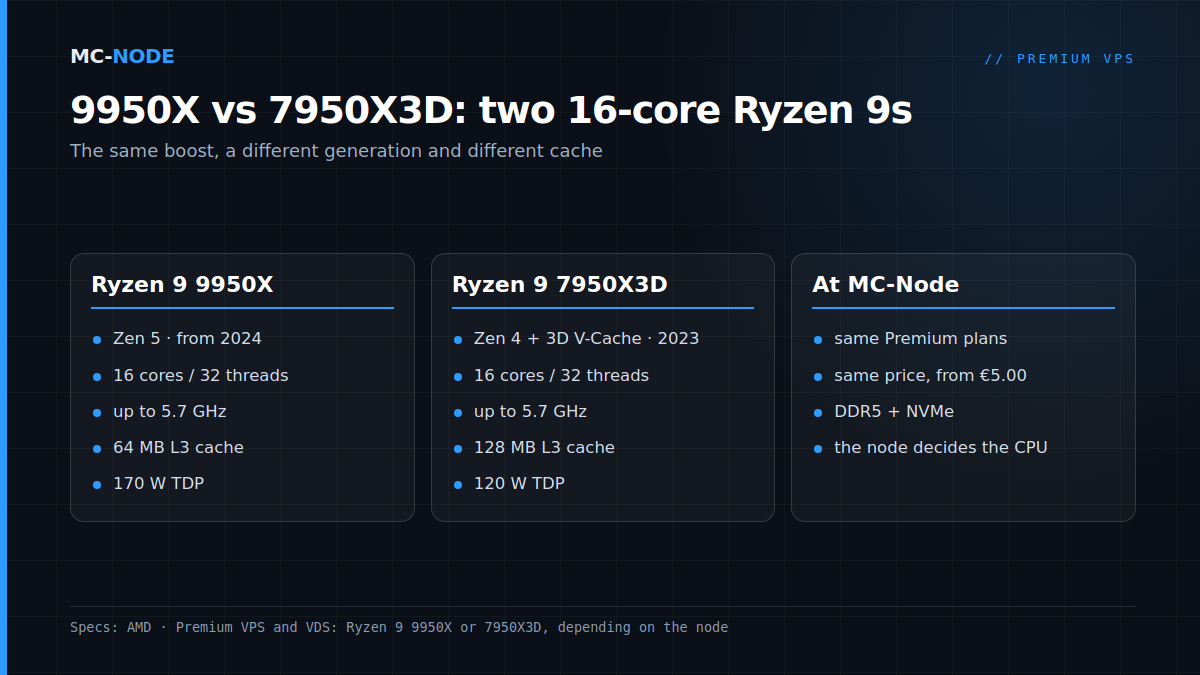
9950X vs 7950X3D: the specs side by side
According to AMD's product pages, the two chips look like this:
| Ryzen 9 9950X | Ryzen 9 7950X3D | |
|---|---|---|
| Architecture | Zen 5 | Zen 4 with 3D V-Cache |
| Released | August 2024 | February 2023 |
| Cores / threads | 16 / 32 | 16 / 32 |
| Base clock | 4.3 GHz | 4.2 GHz |
| Max. boost | up to 5.7 GHz | up to 5.7 GHz |
| L2 cache | 16 MB | 16 MB |
| L3 cache | 64 MB | 128 MB |
| TDP | 170 W | 120 W |
| Platform | AM5, DDR5 | AM5, DDR5 |
So on paper they're very similar. The number of cores and threads, the max boost and the platform are the same. The differences are in three places: the generation of the cores, the amount of L3 cache and the power budget (TDP).
That 5.7 GHz is a peak value for both. AMD describes the max boost as the highest frequency a single core reaches during short, single-threaded work. If all cores are working hard at the same time, the clock is lower. How much lower depends on cooling and power budget, and that budget is exactly what differs between the two.
What 3D V-Cache does, and what it means for a server
Cache is small, very fast memory on the processor itself. A core that finds its data there doesn't have to wait for the much slower main memory. With 3D V-Cache, AMD stacks an extra layer of cache on top of a chiplet; AMD itself calls it a 3D stacking technology. That's how the 7950X3D gets to 128 MB of L3 cache, versus 64 MB on the 9950X.
There's a catch. According to AMD, the 7950X3D consists of two chiplets (CCDs) of eight cores each that are tuned differently. One has 64 MB of extra 3D V-Cache, 96 MB of L3 in total, and clocks slightly lower. The other has the regular 32 MB of L3 and reaches the 5.7 GHz. So half of the cores have the big cache, the other half the highest clock. Inside a VPS you don't choose which physical cores your vCores run on; the node's hypervisor handles that.
AMD markets the 7950X3D as a gaming processor: according to AMD, the extra cache should deliver "low latency and even more game performance". At the same time, AMD itself writes that not every application benefits from extra cache and that some get more out of a higher clock. All of that is about your own PC. Whether a game server benefits too depends on how much data it touches per tick. In a small world with few players, a bigger share of that work stays in the cache than in a large modpack world with thousands of entities. There's no fixed percentage to give for that, and we're not going to make one up. The honest answer: it depends on your workload.
What Zen 5 does differently
The 9950X uses Zen 5, the generation after Zen 4. A newer architecture usually does more work per clock cycle, so the same clock gets more done. On top of that, the 9950X has a slightly higher base clock (4.3 vs 4.2 GHz) and a bigger power budget: 170 W TDP versus 120 W.
That bigger budget mainly counts when lots of cores are working hard at once, for example when pre-generating a world or compressing large files. For tasks that lean on a few fast cores and need little cache, the 9950X is ahead on paper. For tasks that keep pulling the same data from the cache, the 7950X3D has an edge. Which way your server leans differs per game, per world and per plugin.
Why our Premium VPS has an asterisk
Our Premium VPS doesn't run on one single machine. Which of the two Ryzens you get depends on the node your VPS is created on. We could have just written "Ryzen 9". Instead, we'd rather name the newest model and honestly add, with an asterisk, what the other possibility is. For you, little changes:
- The same plans and the same price: from €5.00 per month for 2 vCores and 2 GB up to €78.00 for 12 vCores and 48 GB.
- DDR5 memory, NVMe storage, KVM virtualisation and DDoS protection on every node.
- Root or Administrator access, Linux or Windows Server via the VPS panel, and you can cancel monthly.
So you don't choose the CPU yourself; the node decides. Take a look at the plans of the Premium VPS with Ryzen 9. If you want cores that are always available just for you, there's the VDS with dedicated cores, also on a Ryzen 9 9950X or 7950X3D, depending on the node, from €28.00 per month for 2 dedicated cores and 8 GB.
Will you notice the difference on your VPS?
On a VPS you don't get a whole chip, but a number of vCores: usually threads that the hypervisor schedules for you. With 4 vCores you're using a small part of those 32 threads. What counts is how fast those few threads are. How that works exactly is explained in What is a vCPU (vCore)?
That's where the two Ryzens are very similar: the same max boost, the same DDR5 platform and recent architectures. The difference with an EPYC 7443P (up to 4.0 GHz, Zen 3, DDR4) or a Xeon E5-2699 v3 (up to 3.6 GHz, from 2014) is much bigger on paper. Why clock speed matters so much for game servers is covered in Ryzen vs EPYC for game servers.
If you still notice your server stuttering, the cause is usually somewhere else: a plugin or script that does too much, too little memory, or ping. A different chip won't fix that.
When it doesn't matter: for a Discord bot, a website or a small vanilla server, the choice between these two chips makes no difference. Then the real question is whether you need the Premium line at all. For work that mostly waits, a KVM VPS on EPYC is often enough, and for heavy number-crunching day and night, a VDS or a dedicated server is the better fit.
How to see which CPU is under your VPS
Log in via SSH (see How do I connect to my VPS via SSH?) and on Linux, check what your VPS sees:
lscpu | grep -E "Model name|^CPU\(s\)|Thread\(s\) per core"
nproc
Under Model name you'll often see the model, but that depends on how the hypervisor passes the processor through. The lscpu manual itself warns that in a virtual machine, the guest's configuration is shown, and that it usually differs from the physical host. nproc shows the number of processors your VPS can use; that should match your number of vCores. On Windows Server you'll find the same in Task Manager, Performance tab, CPU section.
What you don't see: which chiplet your vCores run on and how busy the node is. For the latter, look at the st value in top, the steal time. What that means is also covered in the article on vCores.
Frequently asked questions
Is the 9950X faster than the 7950X3D?
That depends on the task. Both have 16 cores and a boost of up to 5.7 GHz; the 9950X has the newer Zen 5 architecture and a bigger power budget, the 7950X3D twice as much L3 cache. For work that pulls a lot from the cache, the 7950X3D has an advantage; for other work, the 9950X is ahead on paper.
Can I choose which CPU my Premium VPS runs on?
No, that's decided by the node your VPS is created on: an AMD Ryzen 9 9950X or a Ryzen 9 7950X3D. Plan and price are the same, and every node has DDR5 memory and NVMe storage.
What is 3D V-Cache?
3D V-Cache is an AMD technology that stacks an extra layer of L3 cache on top of one of the processor's chiplets. That's why the Ryzen 9 7950X3D has 128 MB of L3 cache instead of 64 MB; the extra cache sits on one of its two chiplets. According to AMD, it mainly helps in games, while other applications get more out of a higher clock.
Does the VDS also run on a Ryzen 9?
Yes. The VDS runs on an AMD Ryzen 9 9950X or 7950X3D, depending on the node, but with dedicated cores that are yours alone. It starts at €28.00 per month for 2 dedicated cores and 8 GB of DDR5.