How do I enable or disable player advancement announcements?
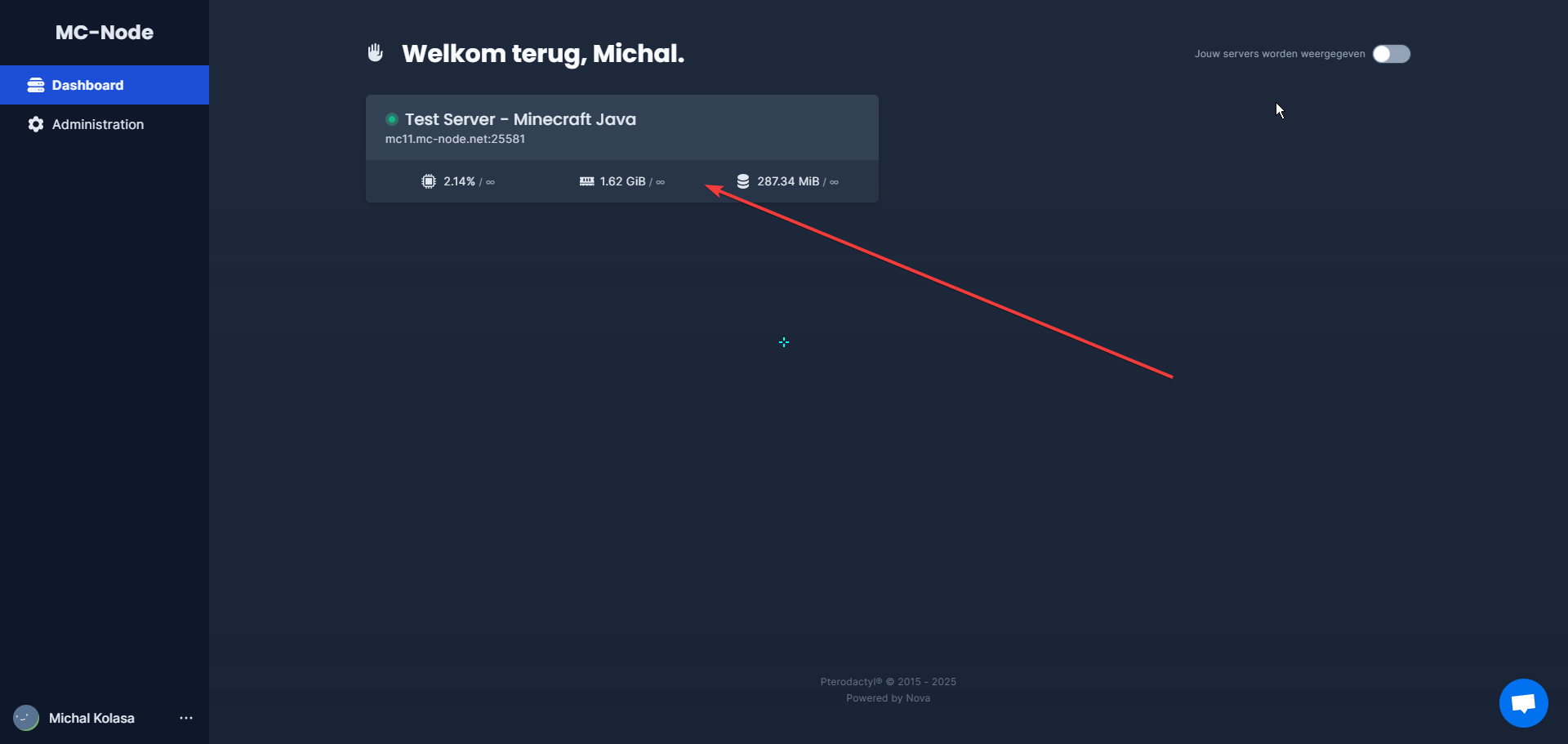
- Go to the game panel and click on your server.
- Go to your console.
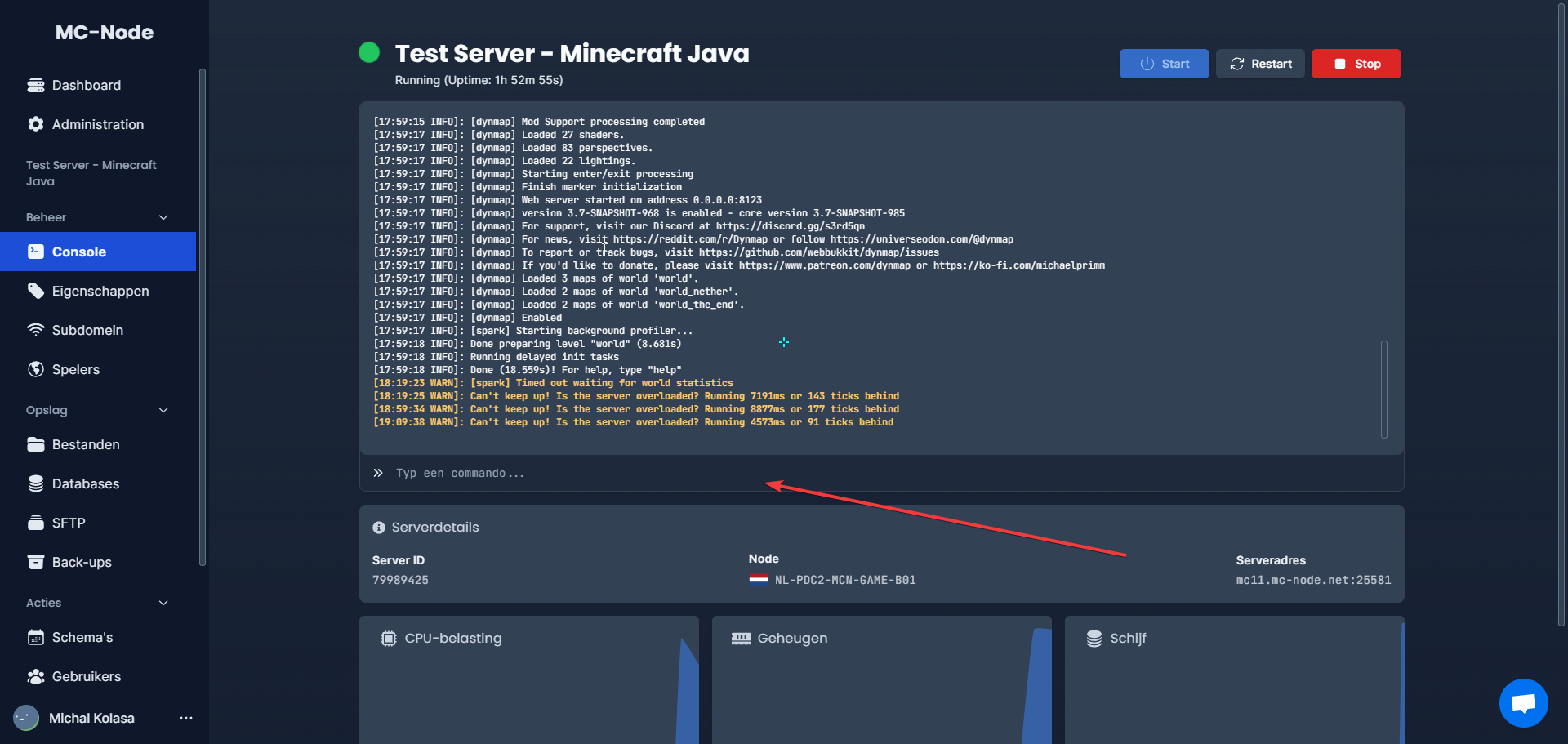
- Type
gamerule show_advancement_messages falsehere to disable it, or typegamerule show_advancement_messages trueto enable it. Then press enter.
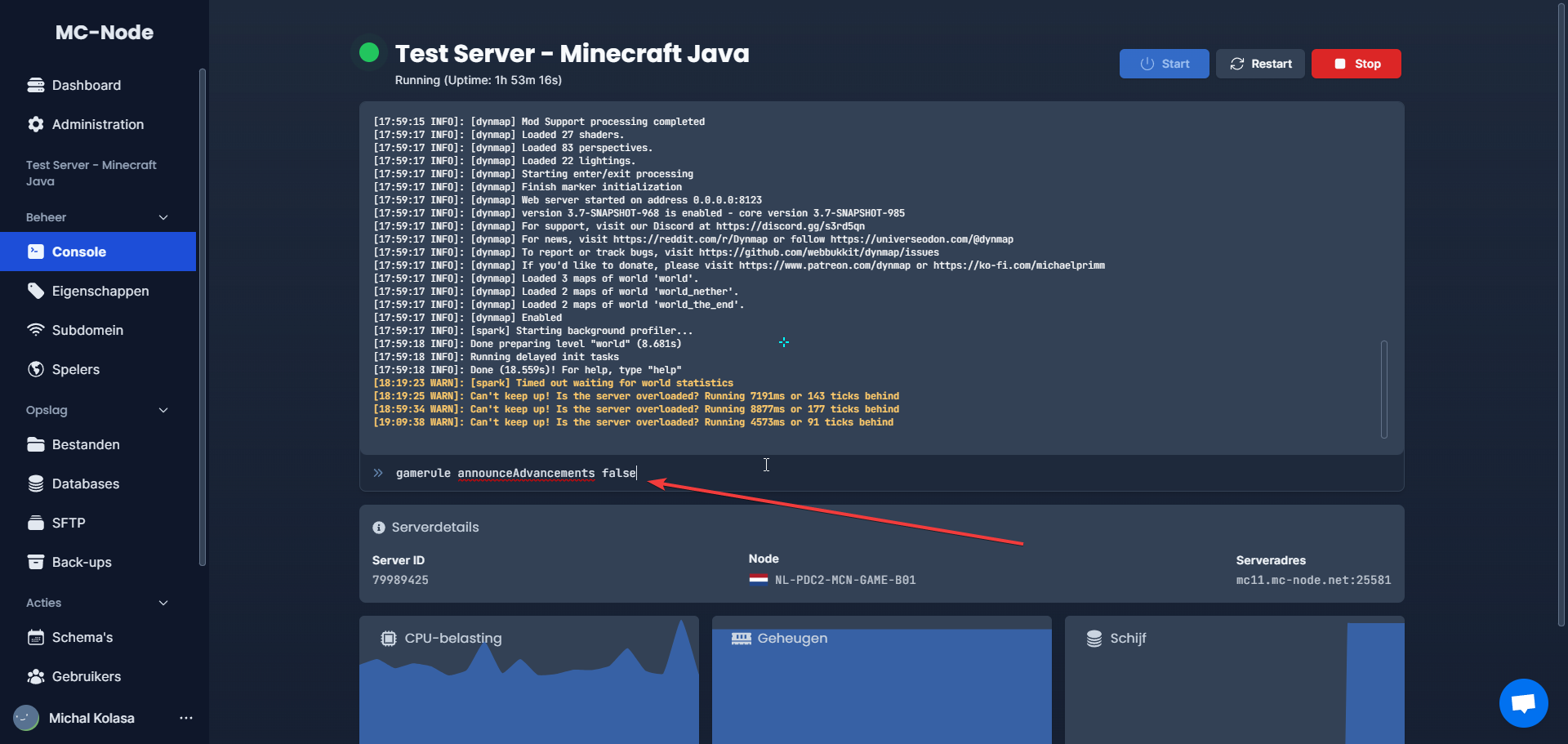
Mind the version: the name show_advancement_messages applies since Java 1.21.11 (December 2025), so also on 26.x. On Java 1.21.10 and older the rule is still called announceAdvancements (gamerule announceAdvancements false); the screenshot above shows that old name. On newer versions the old name returns Incorrect argument for command. Bedrock does not have this gamerule. Every gamerule with its old and new name is listed in our overview of Minecraft gamerules and commands.
Ready to try it yourself?
View packages →Launch your server in 60 seconds on our own hardware.
Stuck? Our team is happy to help.Open a ticket →
More in this category
Can I transfer my current server to MC-Node?Yes, you can transfer your current server to MC-Node. Download your server from your current host and upload it to us viHow do I add a resource pack to my server?Add a resource pack to your Minecraft server: upload it to Dropbox, copy the share link, and set it in the resource-packHow do I add a server icon to my Minecraft server?Add a server icon: upload a 64x64 PNG named server-icon.png to the server's root folder, restart and check the list. PluHow do I add a subdomain?Go to the game panel, open your server and click "Subdomain". Click "Create subdomain", enter a name, pick a domain and